36
5
MDC 1200 OPERATION
5
■ Transmitting a call
DD
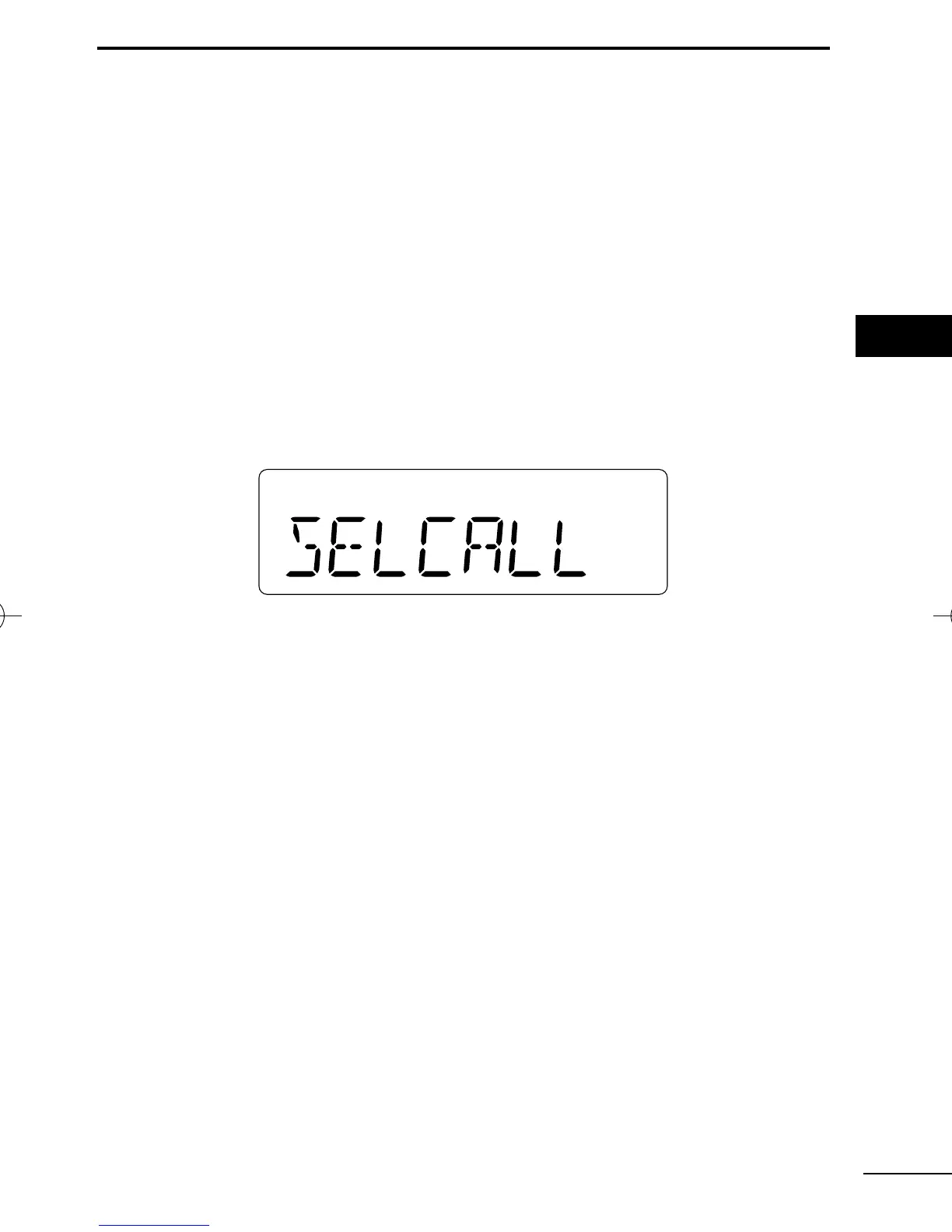
Transmitting a Selective Call
Selective calling allows you to make a call to a specific station or
to a particular group. Other MDC 1200 transceivers on the channel
will not receive a selective call that does not match their station or
group ID’s.
q Push [MDC Call] to enter the MDC menu selection mode.
• Or push [MDC Selcall] to enter the transceiver alias selection mode.
In this case, skip step w.
w Push [MDC Call] again to enter the transceiver alias selection
mode.
e Select the desired alias using [CH Up], [CH Down], [MDC Up] or
[MDC Down].
r Push and hold [PTT] to transmit the selecive call to the selected
station, then speak into the microphone.
t Release [PTT] to receive.
IC-F50_F60_MDC-2.qxd 06.11.17 4:39 PM Page 36 (1,1)


 To Next Page
 Loading...