Information SET-02 11
DIGITAL plus
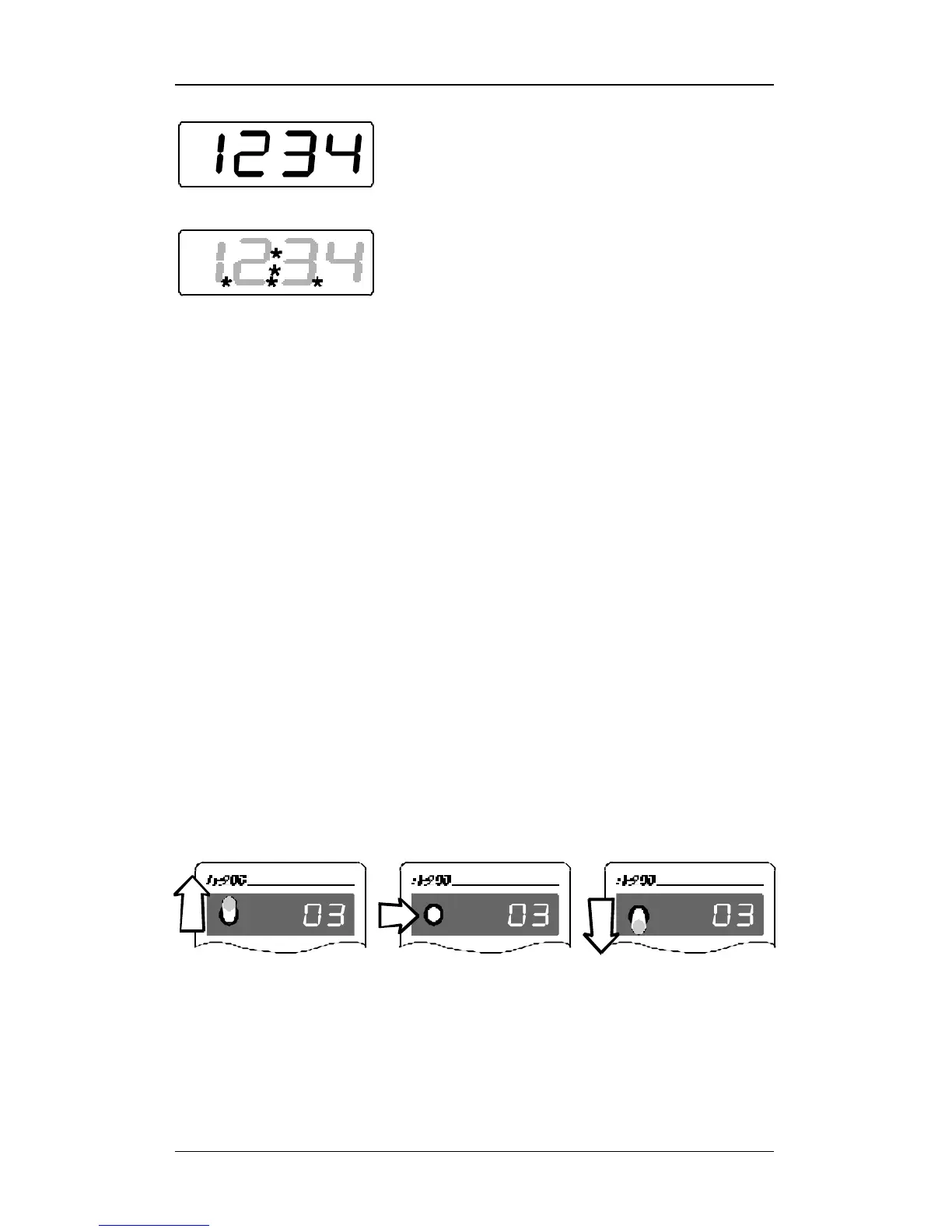
In normal operation the address of the locomotive
which you are presently controlling is constantly
shown.
Points below left, in the centre and below right are
helpful for adjusting the rotary control-knob and the
direction switch when you take control of a different
locomotive. Diverging positions of rotary control-knob
and direction switch are indicated by flashing lights.
You will find more detailed information in later
sections.
4.2 The rotary control-knob
The black line on the rotary control-knob shows the actual speed.
Turn it to the right and you increase the throttle position (locomotive
speeds up), turn it to the left and you decrease the throttle position
(locomotive slows down).
Since the rotary control-knob has a stop-limit to the right and to the
left, you will know when you have reached the maximum speed or
come to a complete stand-still without having to look at your
handheld.
4.3 The direction switch
The direction switch has 3 positions:
Switch up: locomotive
moves forward
Switch to center:
locomotive stops. Turning
the rotary control-knob
knob does not influence
the locomotive's speed.
Switch down: locomotive
moves backwards



 To Next Page
 Loading...