18 Information SET-02
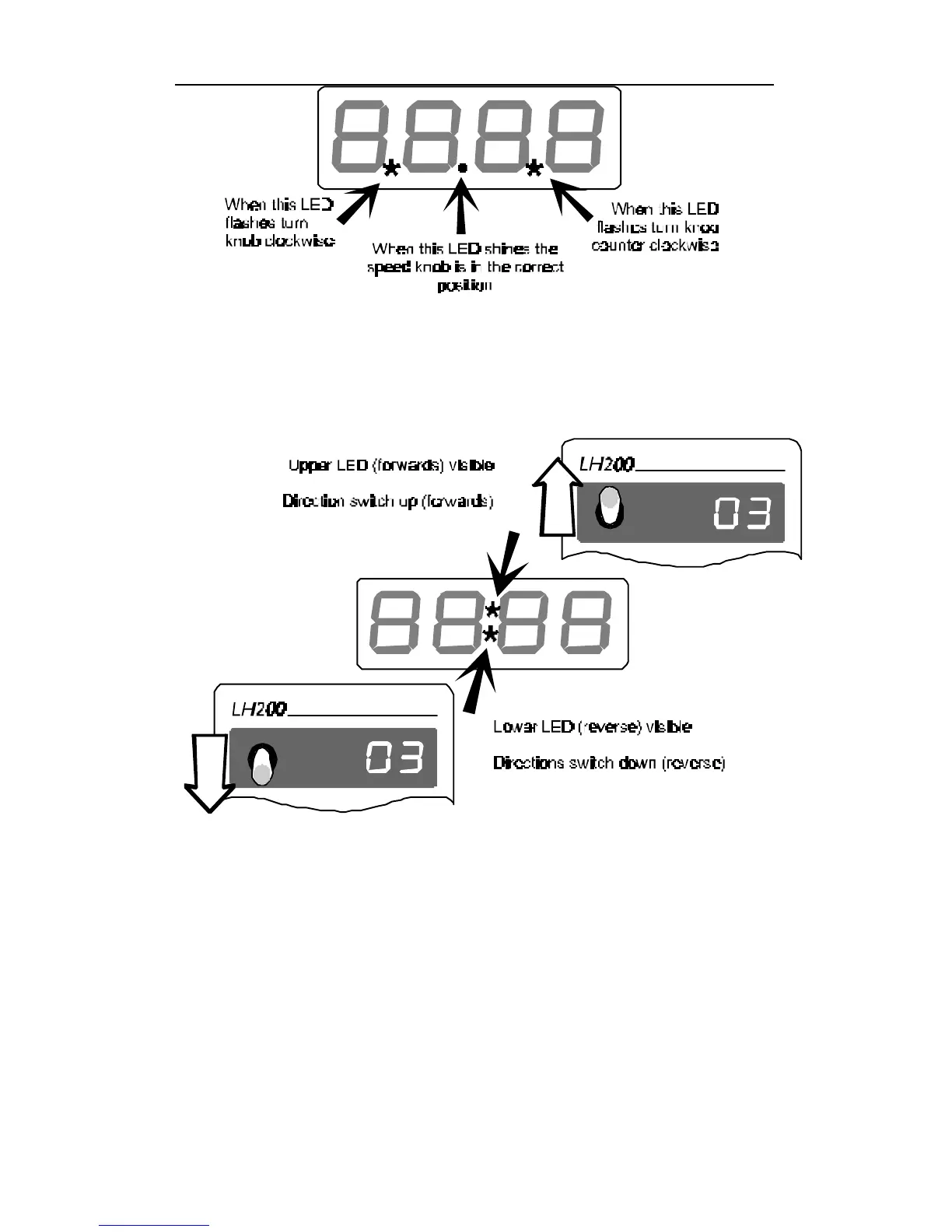
Now place the direction switch in the correct position, up (forwards)
or down (backwards). If the upper dot appears in the middle of the
display, then you must move the switch up (the forwards position). If
the lower dot appears in the middle of the display you must move
the switch down switch it down (the backwards position backwards).
8.2 Switching the locomotive decoder functions on and off
The LH200 can control up to 9 locomotive decoder functions. To
control these functions the locomotive must first be wired so that the
desired function works. Activating a function which is not supported
by the locomotive decoder will have no effect.
The functions 0 through 4 can be switched on and off by pressing
the function key once.



 To Next Page
 Loading...