Setting up 08
31
En
English
Setting up analogue TV channels
manually
Use the Manual Adjust function to set up analogue TV channels
manually.
1 Press HOME MENU.
2 Select “Setup” (
/
then ENTER).
3 Select “System Setup” (
/
then ENTER).
4 Select “Analogue TV Setup” (
/
then ENTER).
The password entry screen appears. Enter your four-digit password
using buttons 0 to 9. For the password, see Using a password on
page 60.
5 Select “Manual Adjust” (
/
then ENTER).
6 Select “Programme Entry” (
/
).
7 Select a programme number (
/
).
You can select 1 through 99.
8 Select “Search” (
/
).
9 Enter a frequency using buttons 0 to 9, then ENTER.
You can also press / to enter a frequency.
10 Select “System” (
/
).
11 Select a sound system (
/
).
You can select from among “B/G”, “D/K”, “I”, “L”, and “ L’ ”.
12 Select “Colour System” (
/
).
13 Select a colour system (
/
).
You can select from among “Auto”, “PAL”, “SECAM”, and “4.43NTSC”.
14 Select “Store” (
/
).
15 Select “Yes” or “No” (
/
).
16 Press HOME MENU to exit the menu.
Alternatively, to set up for another channel, repeat steps 7 to 15.
Note
• The above procedure transfers and sets the selected channel
information to the connected recording equipment such as a
VCR or DVD/HDD recorder (DVR).
• Manual Adjust also allows you to make selections for “Tuner
NR”, “Channel Lock”, and “Decoder”. See Reducing video noise,
Setting Channel Lock, and Selecting a decoder input terminal.
Reducing video noise
For the individual channels, you can specify whether the flat screen
TV should reduce video noise depending on the levels of
broadcasting signals.
1 Repeat steps 1 to 5 provided for
Setting up analogue TV
channels manually
.
2 Select “Tuner NR” (
/
).
3 Select “On” (
/
).
4 Press HOME MENU to exit the menu.
Note
• This function may not achieve a satisfactory result, depending on
the conditions of broadcasting signals.
• When using a decoder with a decoder terminal selected, this
function may fail to achieve a good result.
• The factory default is “On”.
Setting Channel Lock
Channel Lock inhibits selected TV channels from being tuned and
watched.
1 Repeat steps 1 to 7 provided for
Setting up analogue TV
channels manually
.
After selecting a channel (using Programme Entry), perform the
following steps:
2 Select “Channel Lock” (
/
).
3 Select “Block” (
/
).
The selection is switched between “View” (factory default) and
“Block”.
4 Press HOME MENU to exit the menu.
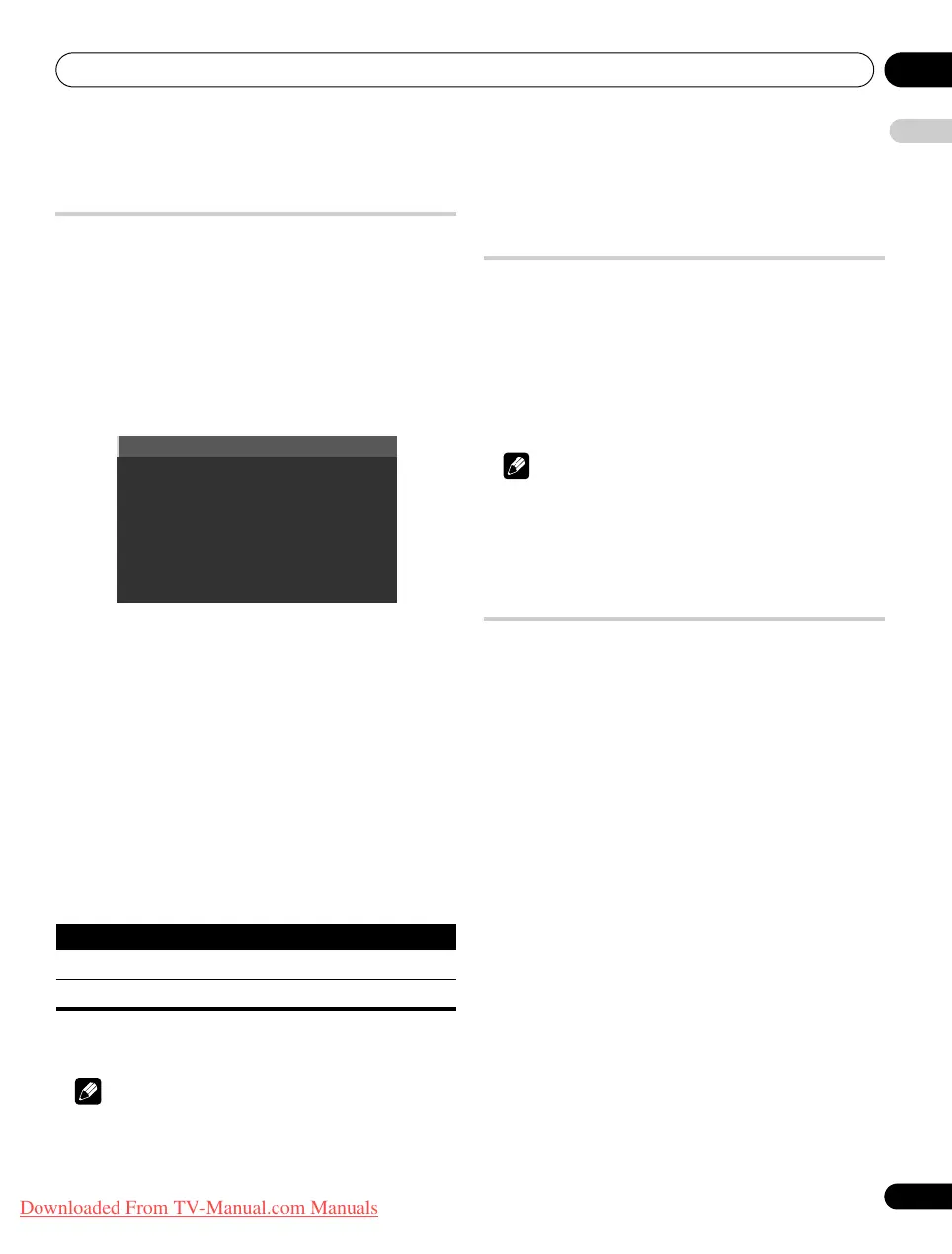
Item Description
Yes You can select the channel using P+/P–
No You cannot select the channel using P+/P–
PDP-LX609H.book Page 31 Wednesday, August 6, 2008 4:00 PM
Downloaded From TV-Manual.com Manuals



 To Next Page
 Loading...