4. Tap the arrow buttons [>] to pass the other job definition steps and close the job editor.
5. Tap [Save] to save the changes.
6. Tap [1x] to make sure that the Insert Position and Address Position are correct
(see Verifying the Insert Position on page 43 and Adjusting the Address Position on
page 46).
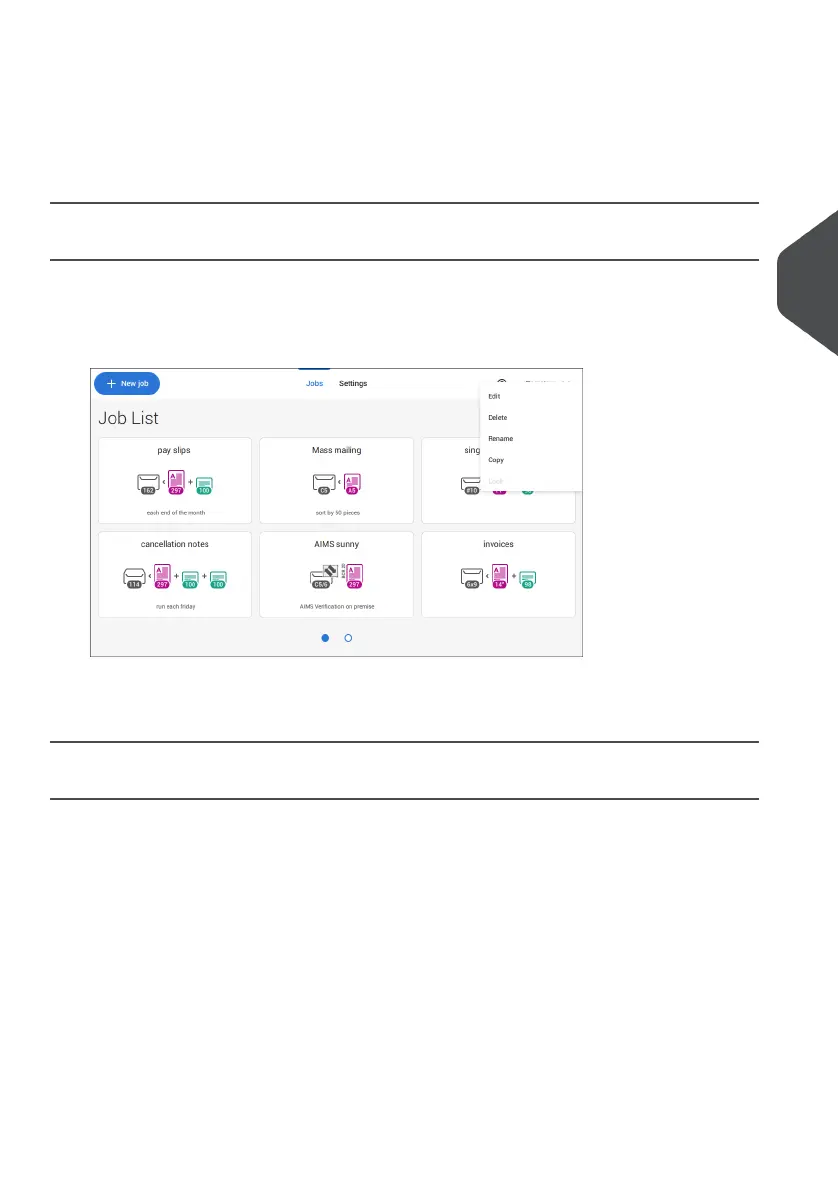
Copy a Job
To copy existing job settings to a new job:
Tap and hold the job in the Job list. A pop-up screen will appear.1.
2. Tab [Copy].
3. Enter the name of the new job and tab [√].
Delete a Job
To delete an existing job:
Tap and hold the job in the Job list.1.
4
English
57
| Page 57 | Jul-11-2022 07:45 | Working with Jobs


 To Next Page
 Loading...


