21ESP-LX+ & LXi+ Installation, Programming, & Operation Guide
Set Program Start Times
You may assign up to six start times to each program per day.
A program may start on any quarter hour. Multiple start times
let you run a program more than once on each watering day.
For example if you are growing new lawn seed, you may want
to water several times a day to keep the seedbed or top
dressing damp.
NOTE: Start times apply to the entire program, not to
an individual station.
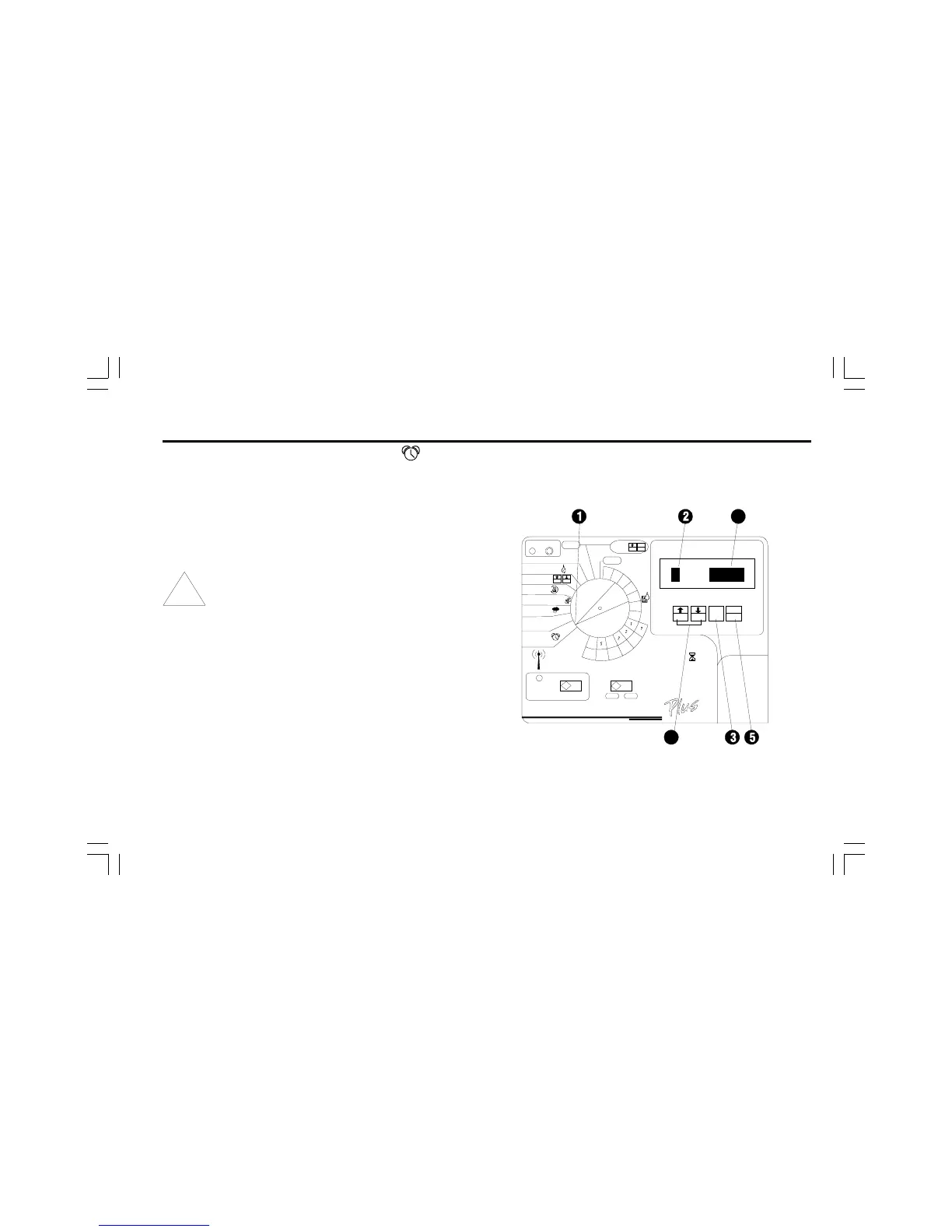
➊ Turn the dial to PROGRAM START TIMES.
➋ The display shows the program, the number of the start
time, and the start time itself. The start time number flashes.
➌ If the program you want is not displayed, press PGM until
it appears.
➍ Press ñ or ò to select one of the six start time numbers
for the program.
➎ Press MAN. START/ADV.
➏ The program start time flashes.


 To Next Page
 Loading...







