40 ESP-LX+ & LXi+ Installation, Programming, & Operation Guide
Valve Testing
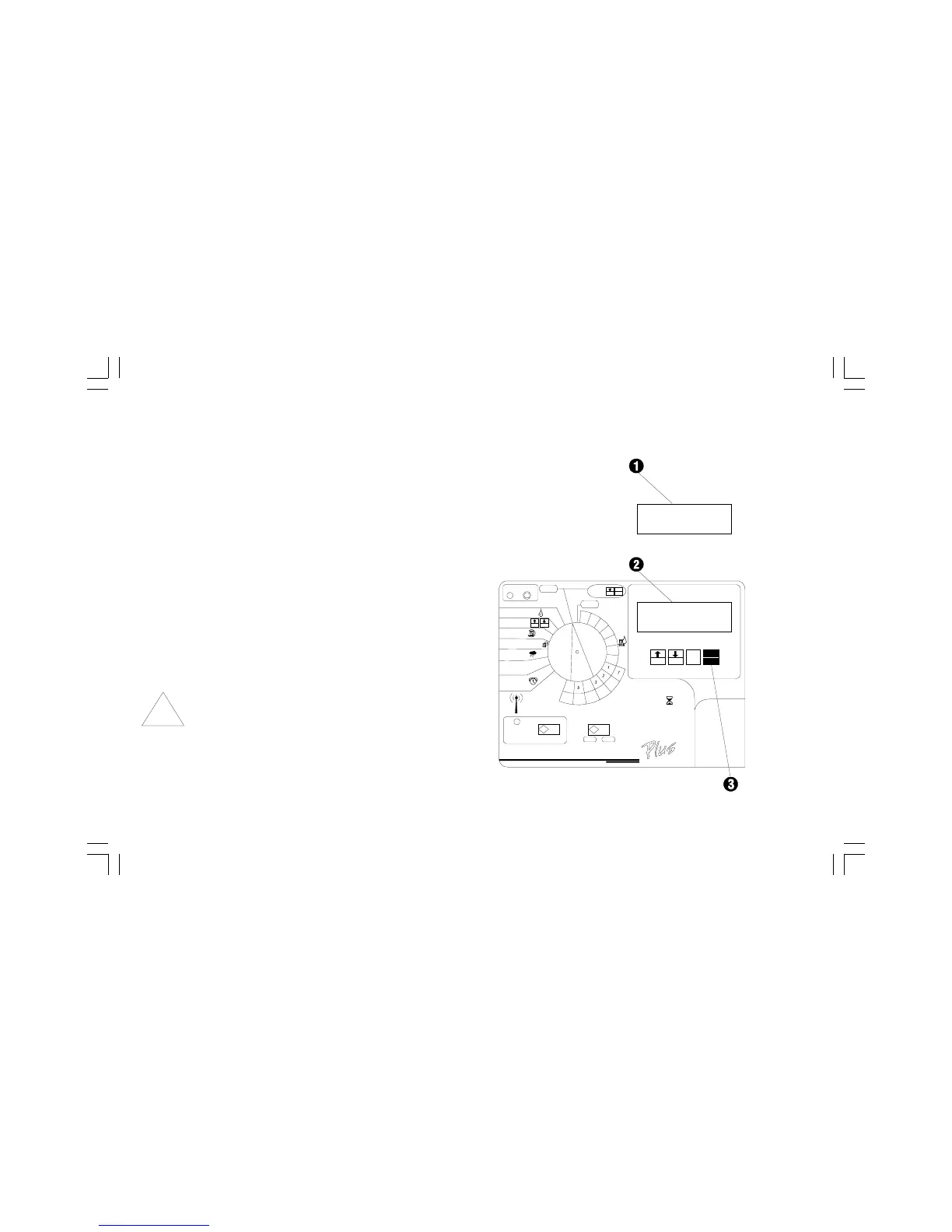
➊ The display briefly shows TEST (may flash too rapidly to
be seen) and the station number (or MV for master
valve) being tested.
➋ The display shows the valves operating condition
(PASS, FAIL, OPEN, or SHORT), followed by the
station number (up to 24 stations, depending on controller
model). This sample display indicates a short on valve
station number 4.
➌ The RASTER displays the condition of each valve for 10
seconds, (PASS displays for less than one second and
may flash too fast to be seen) and then moves to the next
valve. You can press MAN START/ADV (or any other
magenta button) at any time to advance to the next station
to be tested.
NOTE: Any controller station that does not have a valve
connected to it will appear as OPEN. This is normal
and does not indicate any problem with the controller
or system valves.
For example, if you have a 12-station controller with
only stations 1 through 10 connected to valves,
stations 11 and 12 will show OPEN on the RASTER.



 To Next Page
 Loading...






