31ESP-LX+ & LXi+ Installation, Programming, & Operation Guide
NOTE: For this feature to operate properly, the sensor
must be connected according to the instructions on
page 54.
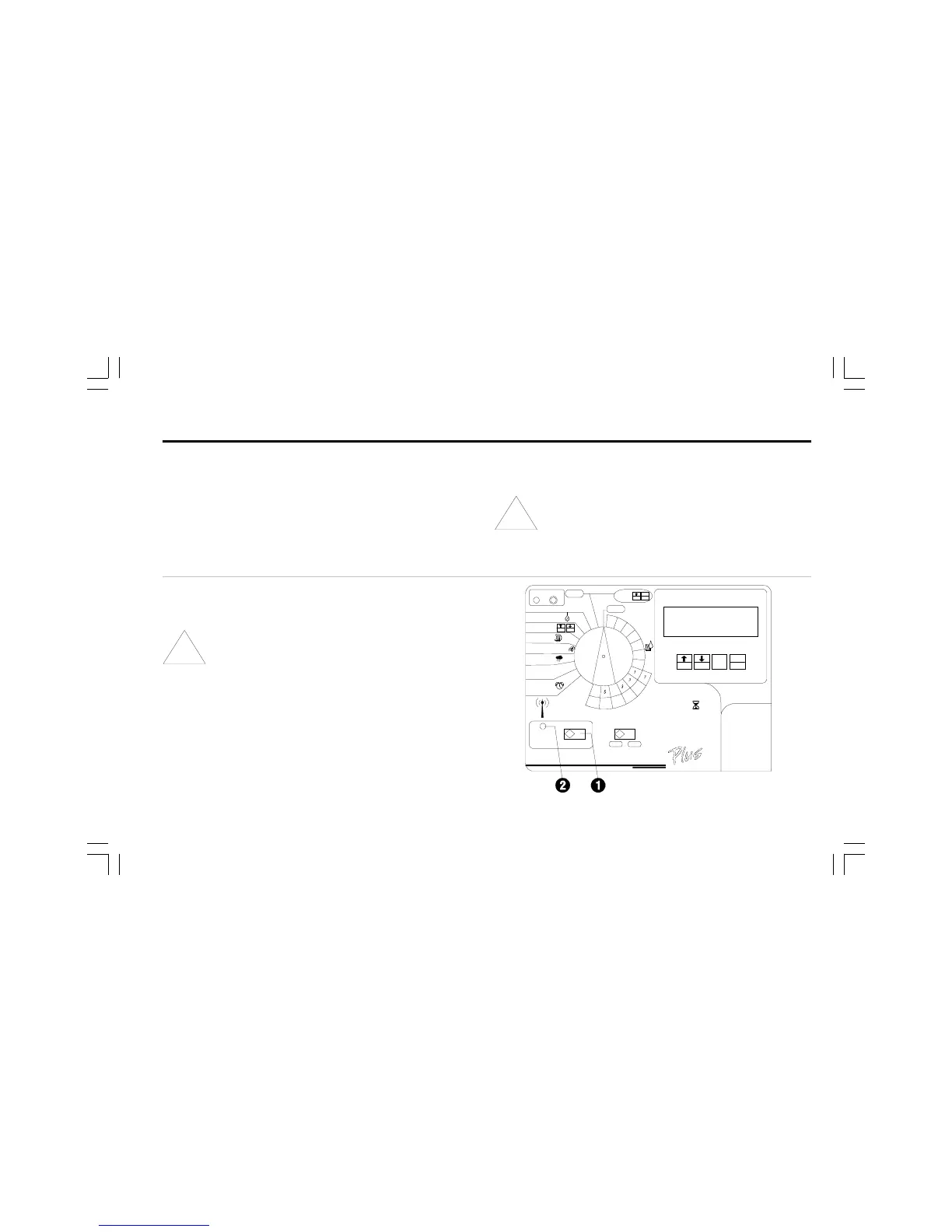
➊ To activate the sensor system, set the sensor bypass
switch to ACTIVE. The controller will operate normally
until a wet condition is detected by the sensor.
NOTE: If no sensor is attached to the controller, make
sure the supplied jumper connects the two SENSOR
terminals on the controllers circuit board. If you set
the sensor bypass switch to ACTIVE without a
sensor or jumper connected to these terminals, the
valves will not operate, and no watering will occur. See
page 54 for instructions.
➋ When the sensor detects a wet condition, power to the
valves will be interrupted, and no watering will occur
(including manual program or station operation.) The
WATERING SUSPENDED BY SENSOR indicator will light
up.
Set Sensor System and Bypass
Switch
ESP-LX+ and -LXi+ controllers let you connect a sensor
system that interrupts watering when a wet condition is
detected. For example, if you have a Rain Bird Rain Check
sensor connected to the controller, irrigation will be prevented
when rainfall reaches the shutoff level in the sensors collector
cup.


 To Next Page
 Loading...







