34
Making a List of Your Favorite Patches
Selecting a Patch from the FAVORITE LIST
1.
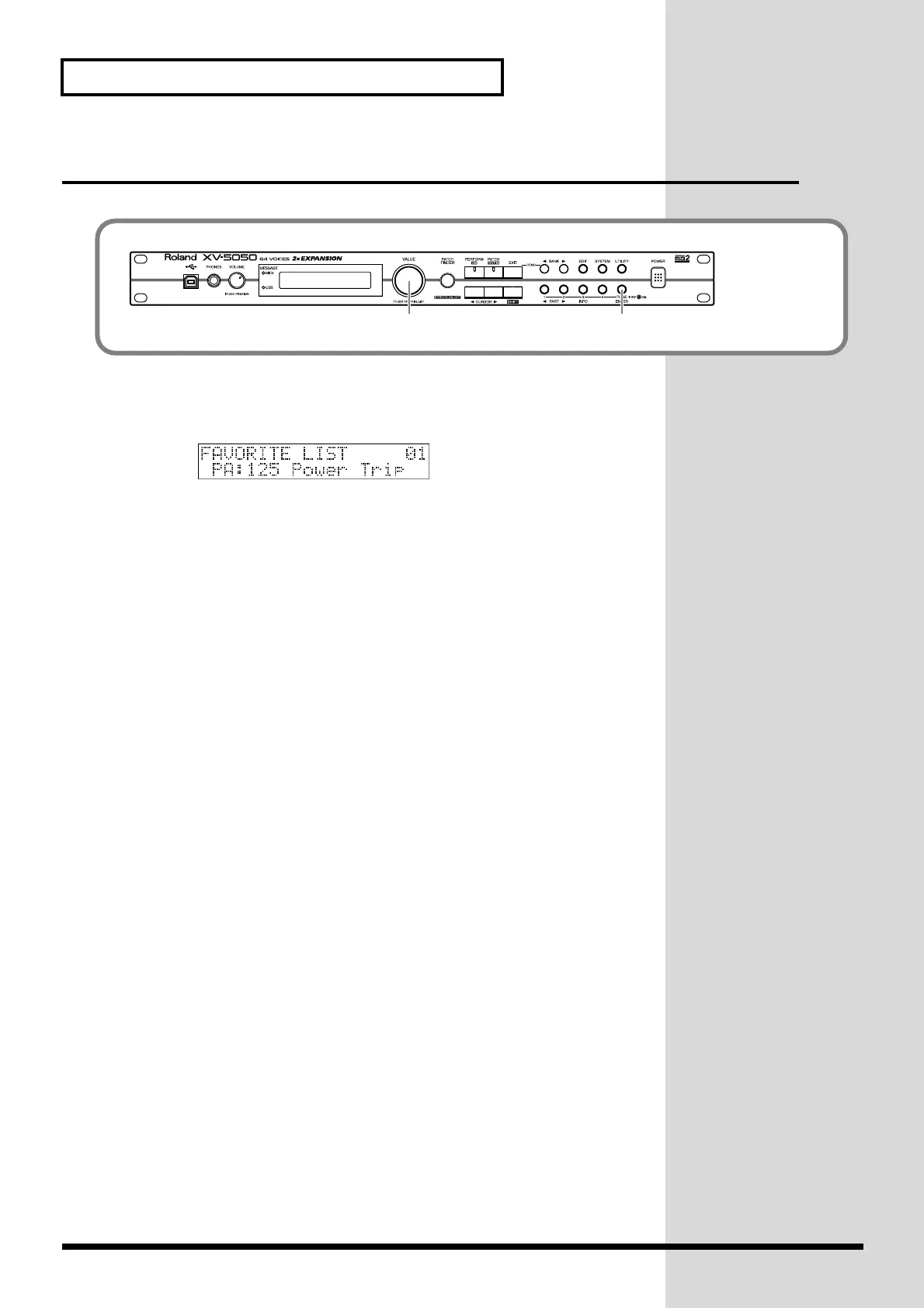
On the PATCH PLAY screen, press [VALUE].
The FAVORITE LIST screen appears.
fig.00-16
2.
Turn [VALUE] to select the desired Patch.
3.
Press [VALUE] or [ENTER] to confirm your choice and return to the
previous screen.
* To cancel the selection, press [EXIT].
fig.0-16
1, 2, 3 (3)
XV-5050_e.book 34 ページ 2003年6月27日 金曜日 午後3時14分


 To Next Page
 Loading...