setup screen
86_ setup screen
To Set the Sensor
It specifies how many frames the camera CMOS sensor will capture per second.
1. Select <Sensor>.
2. Select <Mode>.
M
`
Refer to “Video profile” for the framerate setup range of the <Video profile> according to mode
setup. (Page 70)
`
If the sensor mode is set to 50 fps or 60 fps, the <Back light> mode cannot be set to <WDR>.
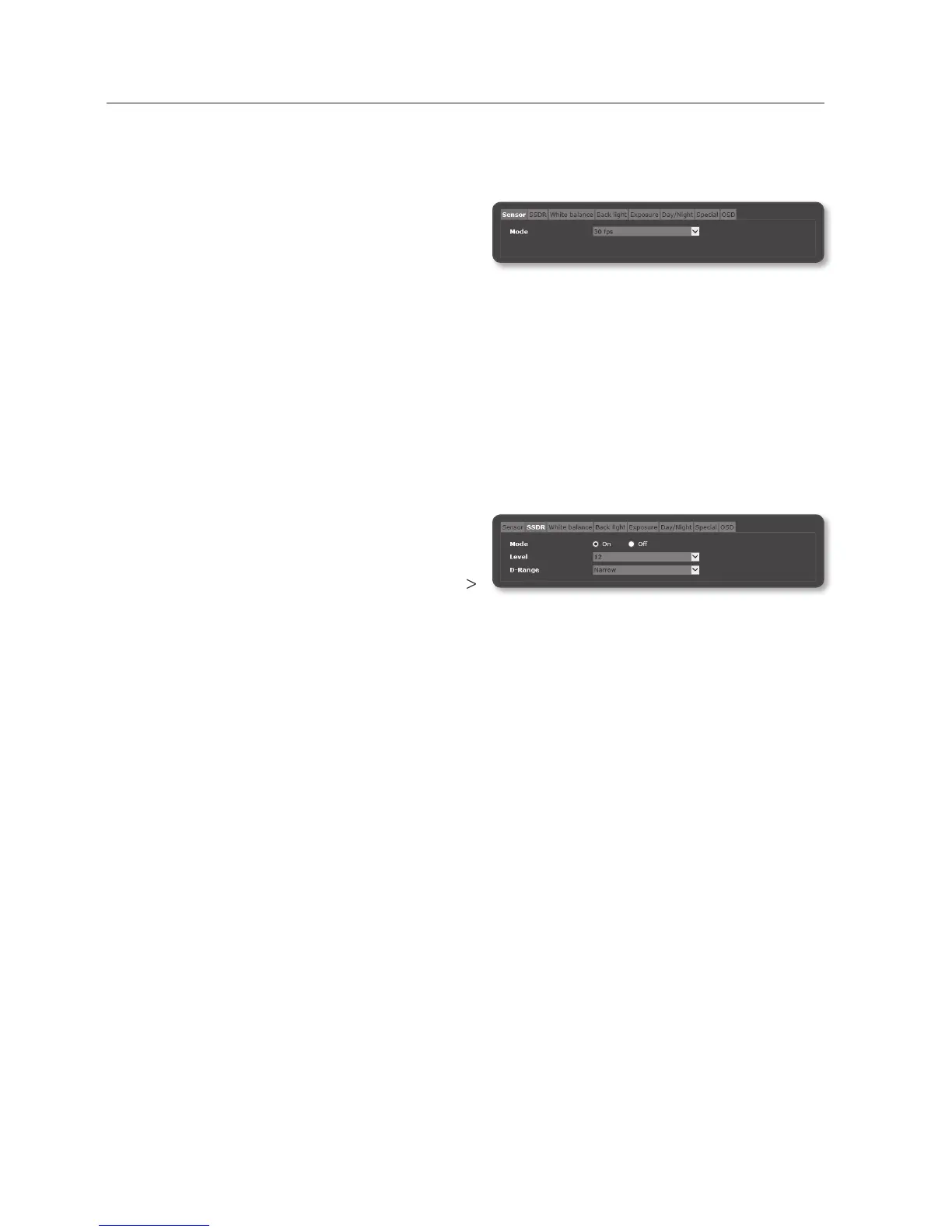
To Set SSDR (Samsung Super Dynamic Range)
In a scene where the difference between bright and dark is severe, you can increase the
brightness of the dark area alone to regulate the overall brightness.
1. Select <SSDR>.
2. Set <Mode> to <On>.
3. Configure the <Level> and <D-Range>
settings as necessary.
• Level : Adjust the level of the dynamic range.
• D-Range : Select the amplitude area of the dynamic range.


 To Next Page
 Loading...