Vision Max Pro User Manual108
© 2015 Vision Engraving Systems
4.1.4.1 Example Job 4 - Profile Cutting
In this example job, engravers plastic will be set up to engrave several name badges, then the badges
will be cut out. 1/16th inch standard engravers plastic is used. Two different tools will be used - one to
engrave, and one to cut/bevel the edges.
The Vacuum Chip Removal System is highly recommended for this application and is shown in this
example.
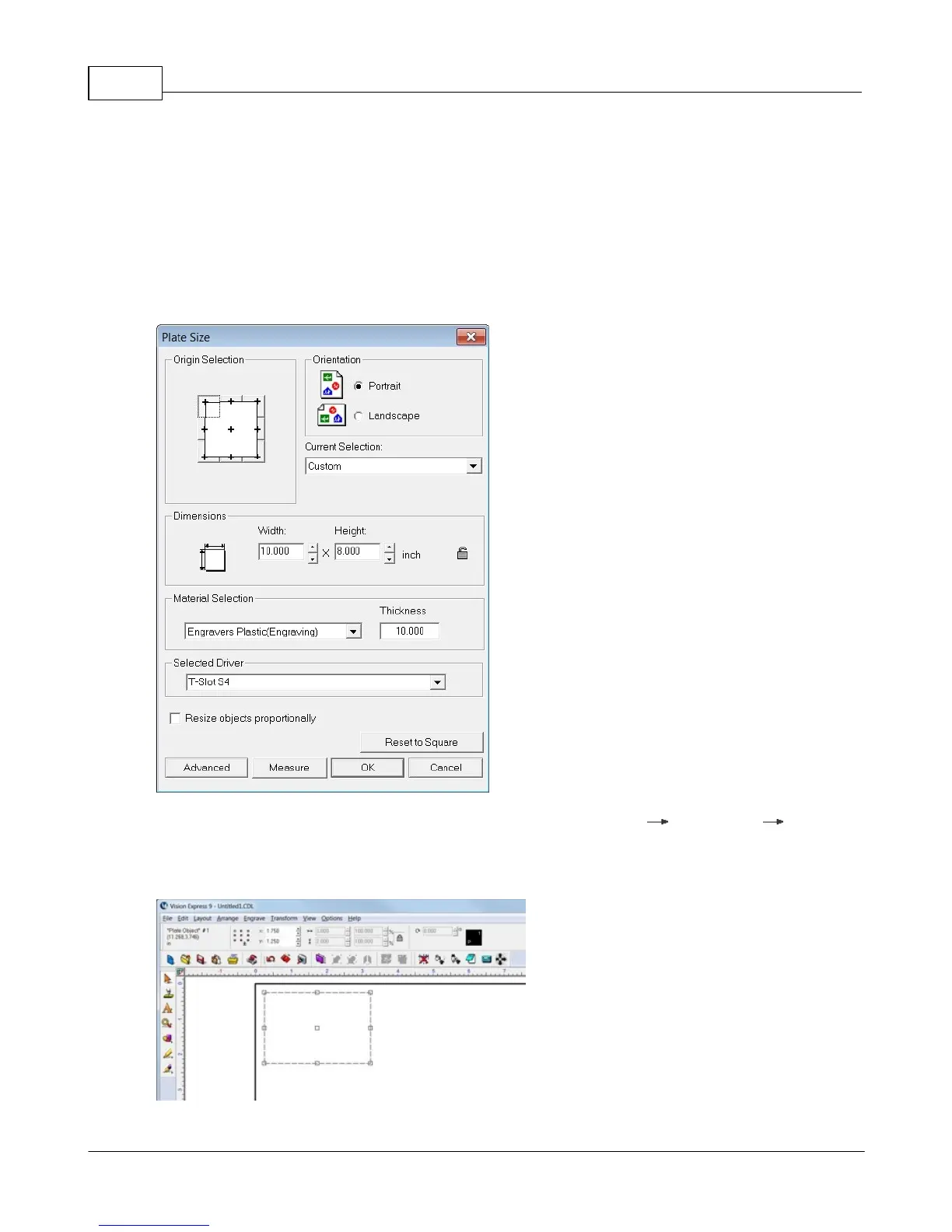
First, the plate size will be adjusted to a 10 x 8 inch size.
A single Plate Object will be created (from the top toolbar menu - Layout Plate Object Create
Plate) with a size of 3 x 2 inches (75 x 50 mm) and margins on the top and left side will be set to 0.25
inches (6.4 mm). The margins are necessary so that during the cutting operation, the cutter will not cut
right on the edge of the material, or on the edge guides.



 To Next Page
 Loading...



