Vision Max Pro User Manual178
© 2015 Vision Engraving Systems
7.2 Hold Down Clamps
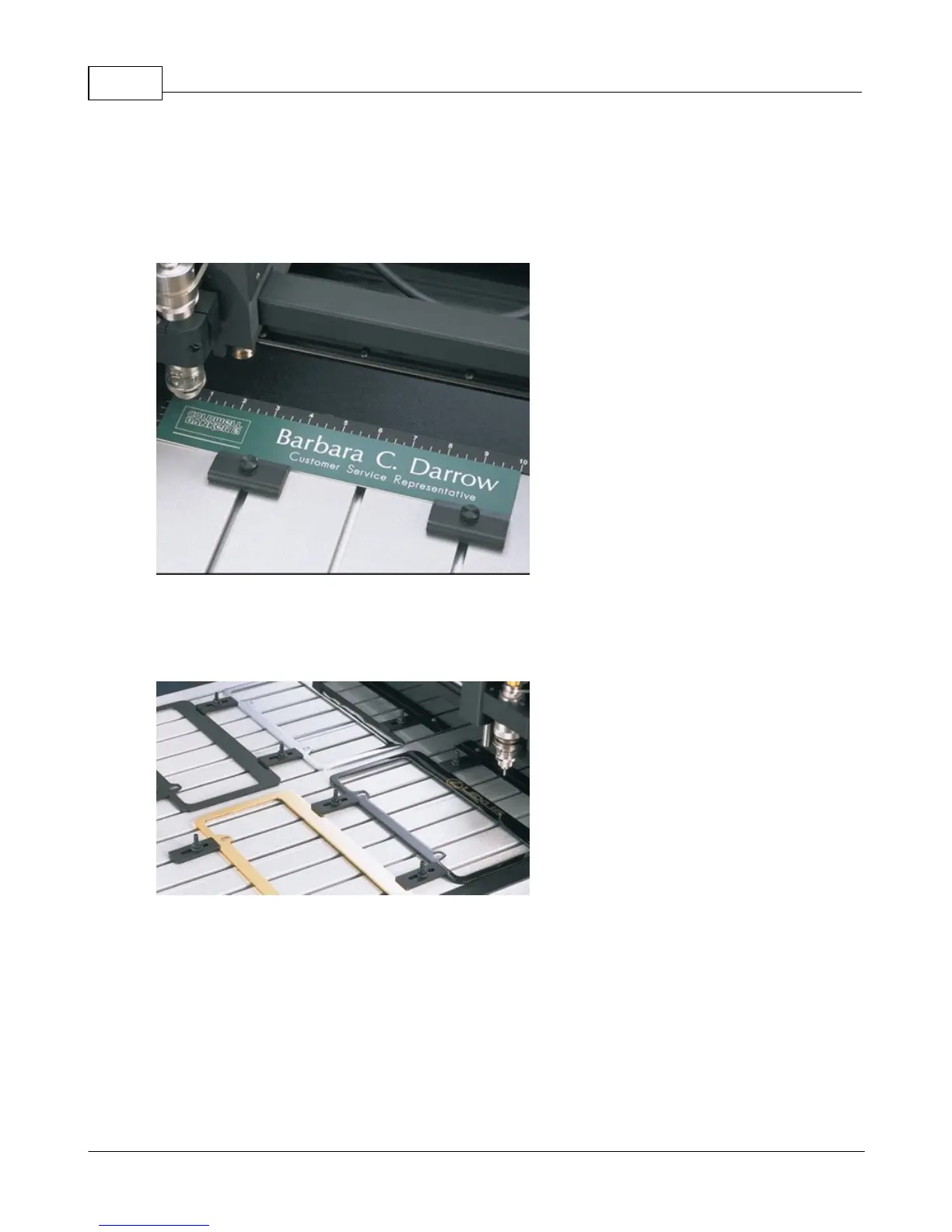
Wedge Clamps
Simply slide the clamp onto the T-slot table surface and position it over the edge of the engraving stock.
The downward clamping force eliminates bowing. This clamp can be used with material up to 1/4” thick.
Push Down Clamps
This double-sided clamp secures items from the edge. It is ideal for heavy-duty items that are being cut,
contoured or engraved.



 To Next Page
 Loading...



