Vision Max Pro User Manual72
© 2015 Vision Engraving Systems
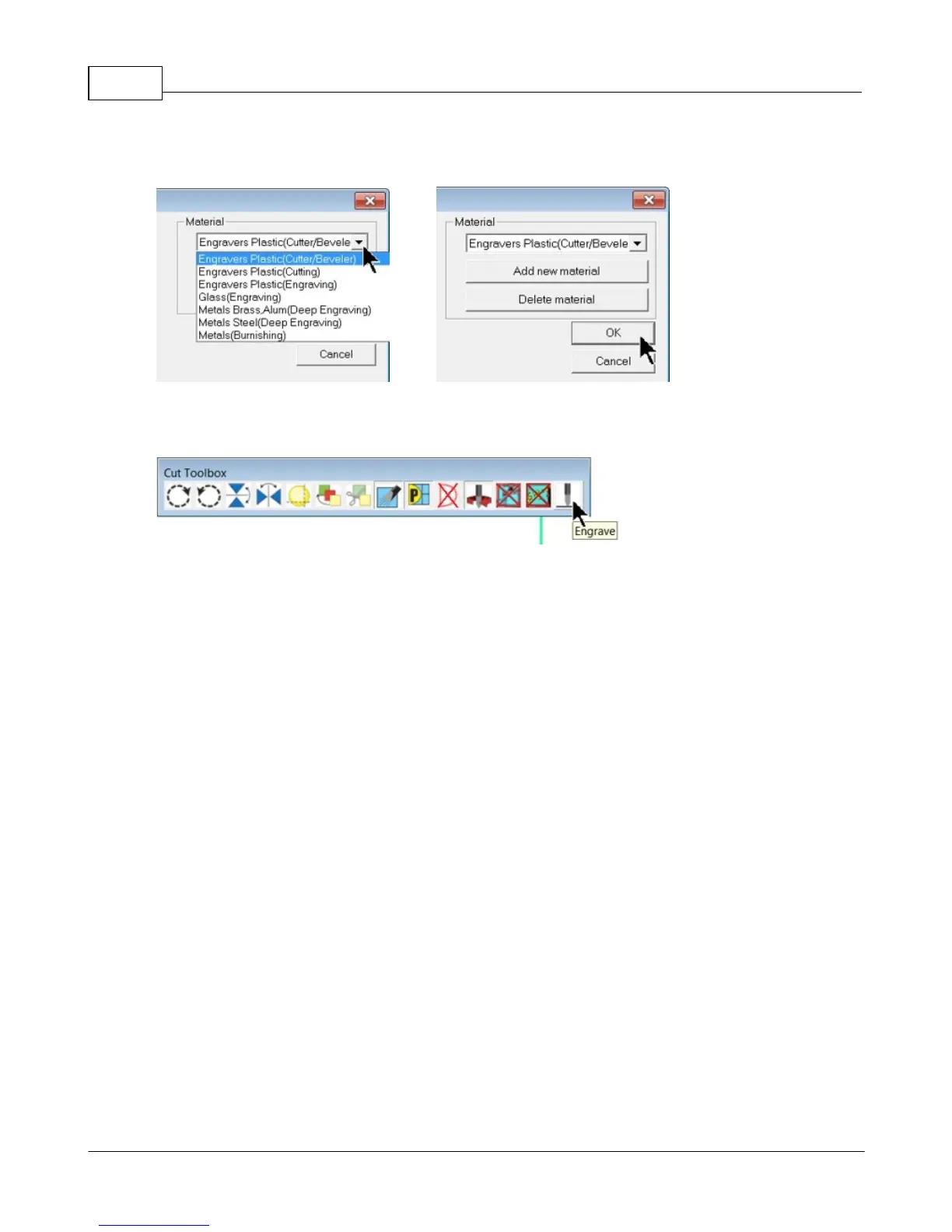
Select the appropriate material from the Material Selection drop down list, then select OK.
Verify the Cut Toolbox settings (settings available will depend on device selected and version of Vision 9
software), and click on the Engrave icon.
The job will be sent to the machine.



 To Next Page
 Loading...



