42
• • • • • • • • • • • • • • • • • • • • • • • • • • • • • • • • • • • • • • • • • • • • • • • • • • • • • • • • • • • • • • • • • • • • • • • • • • • • • • • • • • • • • • • • • • • • • • • • • • • • • • • • • • • • • • • • • • • • • • • • • • • • • • • • • • • •
5 Easy Accompaniment for Other Instruments
Selecting & Playing the Preset Patterns
Using the QY20 preset patterns you can easily create accompaniments that you can play or
sing along with.
The QY20 has 100 preset accompaniment patterns covering a wide variety of musical
styles. Here’s how you can select and play the patterns while in the SONG mode.
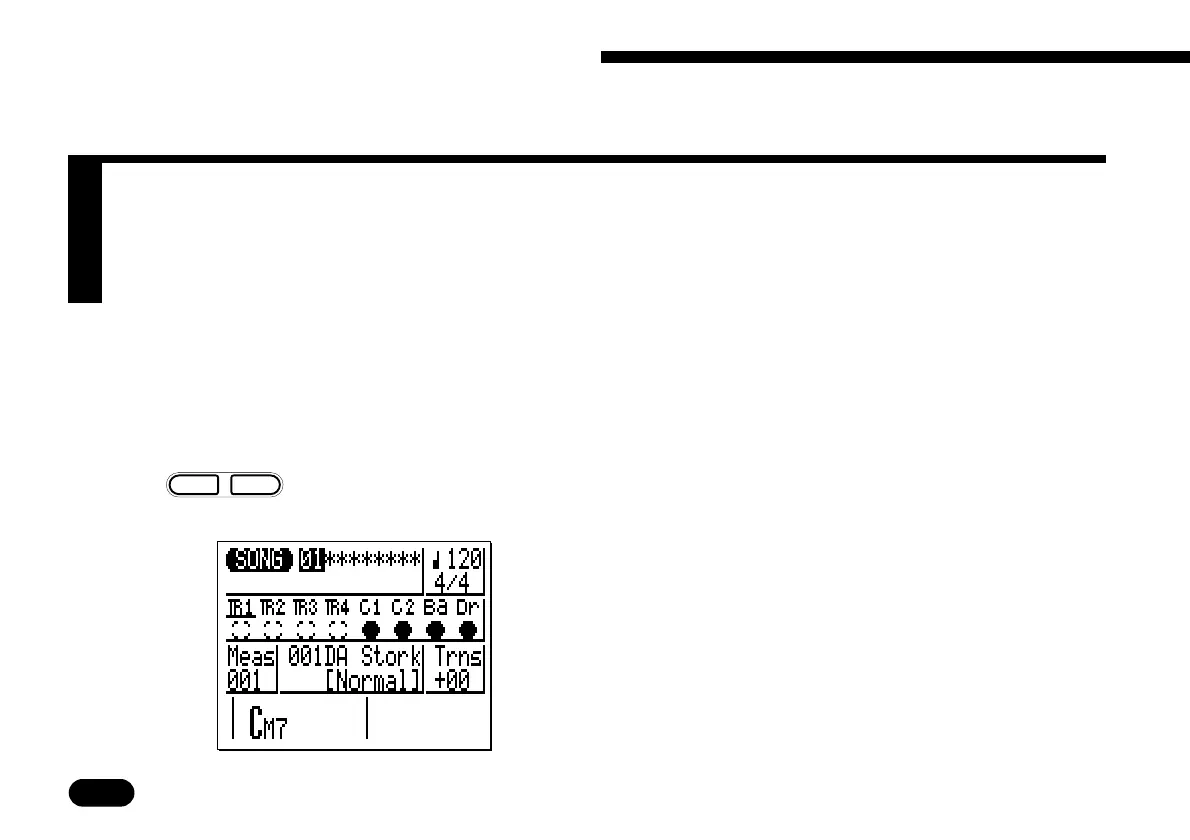
In order to select and play the patterns as de-
scribed in this section you must select an empty song
(i.e. one in which nothing has been recorded). Empty
songs are indicated by a row of asterisks
(“********”) following the song number. Different
song numbers (1 through 20) are selected simply by
moving the cursor to the song number and using the
[
−1
]
and
[
+1
]
keys.
Z
Select the SONG mode
and an “empty” song.
Song number (1 … 20).
Use
–
1
+
1
NO YES
to set.
m
m
Asterisks (*) indicate an
empty song.


 To Next Page
 Loading...