PositionMaster EDP300 DIGITAL POSITIONER | OI/EDP300-EN REV. D 43
Symbol Operating mode
Manual set point, fixed control
The valve is adjusted manually within the stroke range
using the or direction buttons.
1. Press and hold the relevant operating button for the
desired direction.
2. .Additionally, press if the device is to be switched
to high-speed mode.
CAUTION
Danger of crushing!
Configured stroke limit positions and stroke times
are not effective in manual mode. When the actuator
moves, there is a risk of crushing.
• You must make sure that there are no people
present within the operating range of the
actuator.
Moving the actuator manually
The valve is adjusted manually within the valve range
using the or direction buttons. The position
indicator shows the position in angular degrees for the
purpose of checking the mounting conditions.
1. Press and hold the relevant operating button for the
desired direction.
2. .Additionally, press if the device is to be switched
to high-speed mode.
CAUTION
Danger of crushing!
If air escapes due to a leakage, the position will not
be readjusted. Configured stroke limit positions and
stroke times are not effective in manual mode. When
the actuator moves, there is a risk of crushing.
• You must make sure that there are no people
present within the operating range of the
actuator.
Set point via HART, adaptive control
Set point via HART, fixed control
Activated binary input, adaptive control
Activated binary input, fixed control
Start automatic adjustment
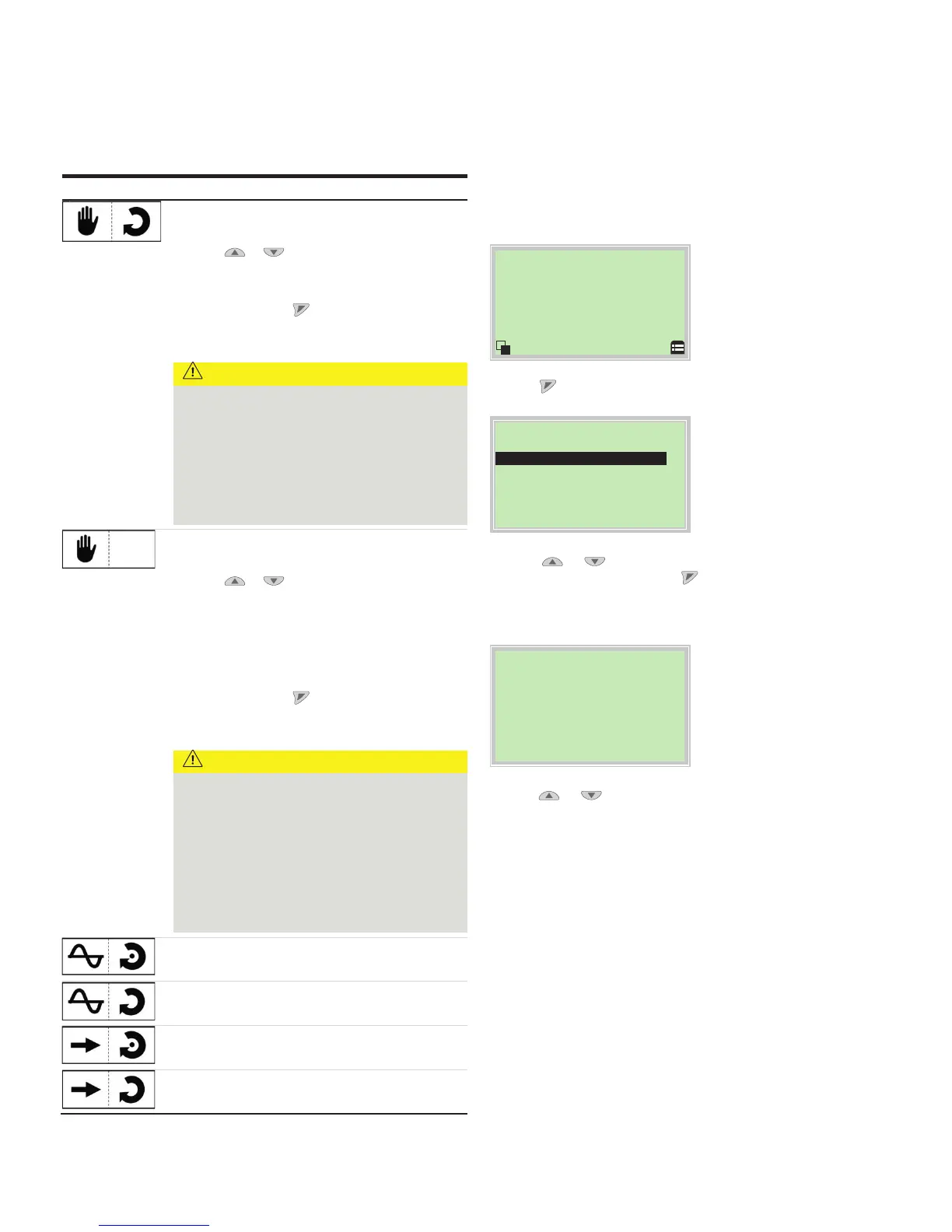
The Auto Adjust function of the device can be configured and
started in the ‘Operating mode’ menu.
Process dis
2. .Use or to select the ‘Adaptive’ operating mode.
3. Confirm the selection with . Press and hold down the
control button for at least 4 seconds (wait for the time to
count down on the top left of the display).
Auto Adjust
Full Auto Adjust
Rotary
Linear
Exit
4. Use or to select ‘Actuator type’.
Select ‘Rotary’ for rotary actuators.
Select ‘Linear’ for linear actuators.


 To Next Page
 Loading...





