GETTING READY ———————————————————————————————————————————————————————
2
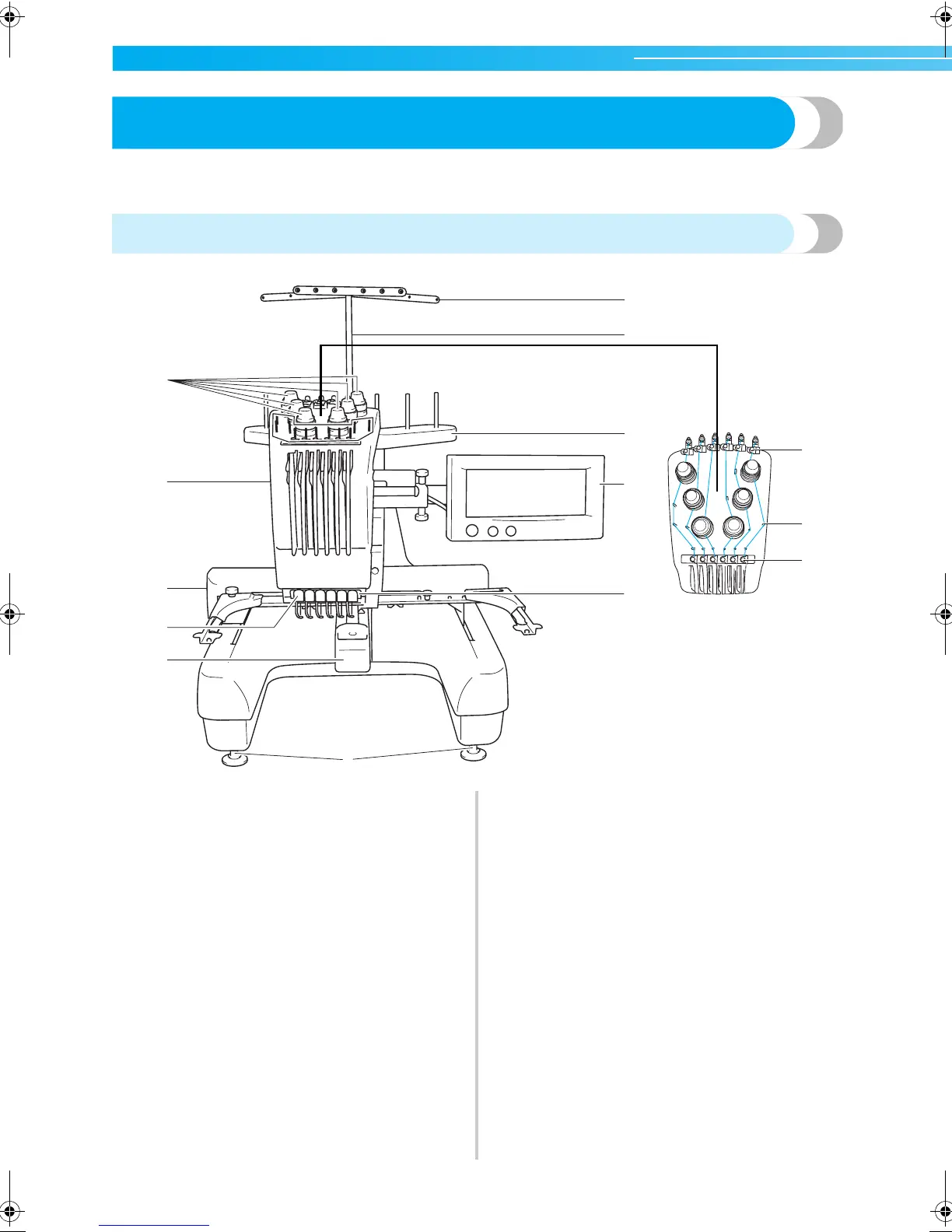
Names of Machine Parts and Their Functions
The names of the various parts of the sewing machine and their functions are described below. Before using the
sewing machine, carefully read these descriptions to learn the names of the machine parts.
Front view
1 Thread tension knobs
Adjusts the tension of the thread.
2 Needle bar case
The case moves to the left and right to move the needle
to the embroidering position.
3 Carriage
Attach the embroidery frame to the carriage. When the
machine is turned on or when the machine does
embroidery, the carriage moves forward, backward, left
and right.
4 Lower thread guide
5 Hook cover/Hook
Open the hook cover, and then insert the bobbin case
into the hook.
6 Thread guide
7 Thread guide assembly support
8 Spool stand
Put 6 thread spools to embroider.
9 Operation panel
0 Feet
Use the feet to adjust the height of the legs.
A Sewing light
B Thread guide pins
C Upper thread guide
D Middle thread guide
1
2
3
6
7
8
9
A
123456
0
5
4
C
D
B
Sapphire_brother.book Page 2 Thursday, November 17, 2005 2:44 PM



 To Next Page
 Loading...












