31
Selecting the Video Quality
(Recording Mode)
The camcorder offers 4 recording
modes. Changing the recording mode
will change the recording time available
on the memory. Select FXP or XP+
mode for better movie quality; select LP
mode for longer recording times. The
table below gives approximate
recording times.
FUNC.
( 24)
[ STANDARD PLAY 7 Mbps]
Desired recording mode
NOTES
• The camcorder uses a variable bit rate
(VBR) to encode video so the actual
recording times will vary depending on
the content of the scenes.
• The camcorder retains the last setting
used even if you set the camcorder to
mode.
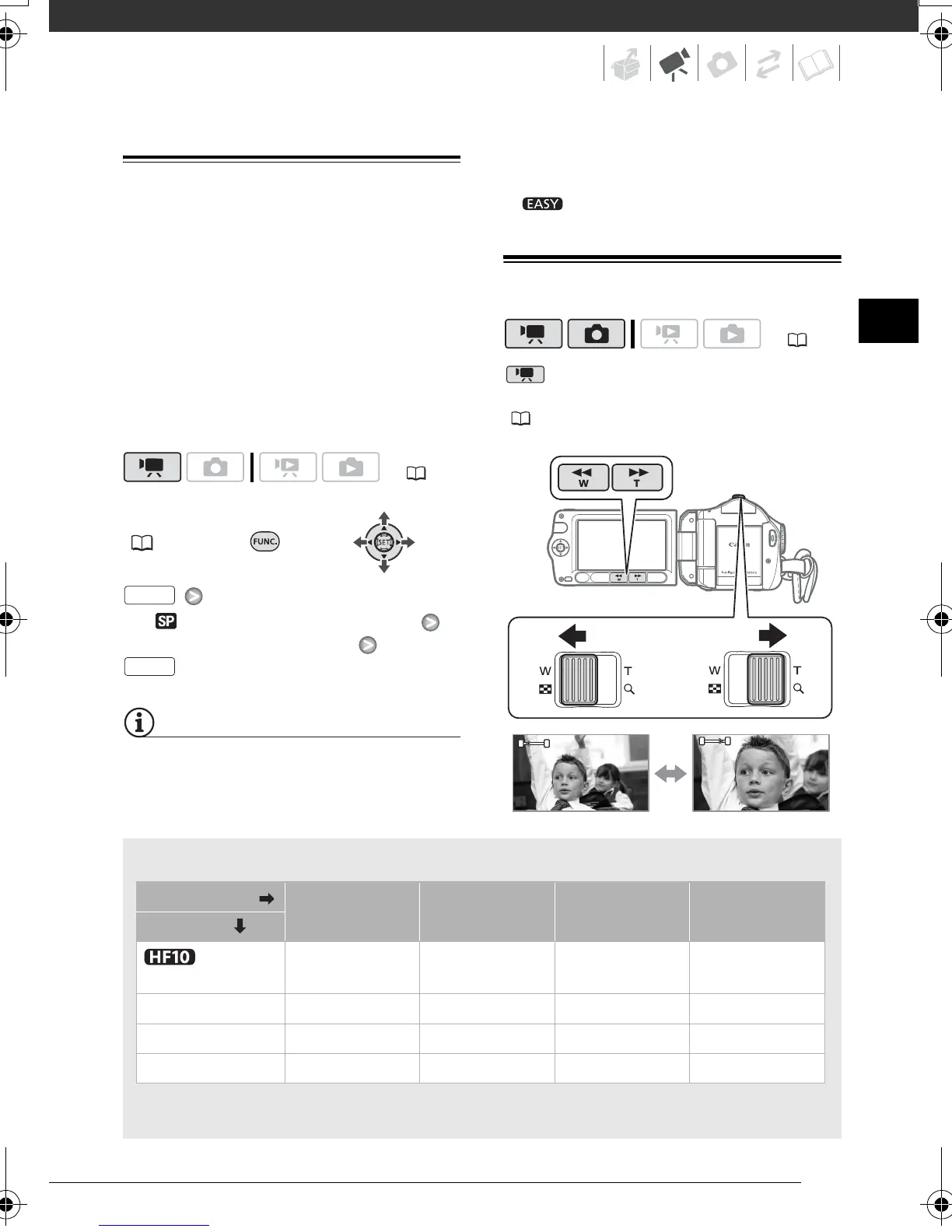
Zooming
mode: In addition to the optical
zoom, digital zoom is also available
( 87).
( 22)
FUNC.
FUNC.
Approximate recording times
Default value
* Recorded in 1,920 x 1,080 resolution. Movies recorded using other recording modes are
recorded in 1,440 x 1,080 resolution.
Recording mode FXP* XP+ SP
LP
Memory
Built-in
memory
2 hr. 5 min. 2 hr. 50 min. 4 hr. 45 min. 6 hr. 5 min.
2 GB memory card 15 min. 20 min. 35 min. 45 min.
4 GB memory card 30 min. 40 min. 1 hr. 10 min. 1 hr. 30 min.
8 GB memory card 1 hr. 1 hr. 25 min. 2 hr. 20 min. 3 hr.
( 22)
W
T
W
T
W Zoom out T Zoom in
D128_PAL_E.book Page 31 Thursday, March 6, 2008 7:53 PM


 To Next Page
 Loading...