39
Cinema Mode: Giving a Cinematic Look
to your Recordings
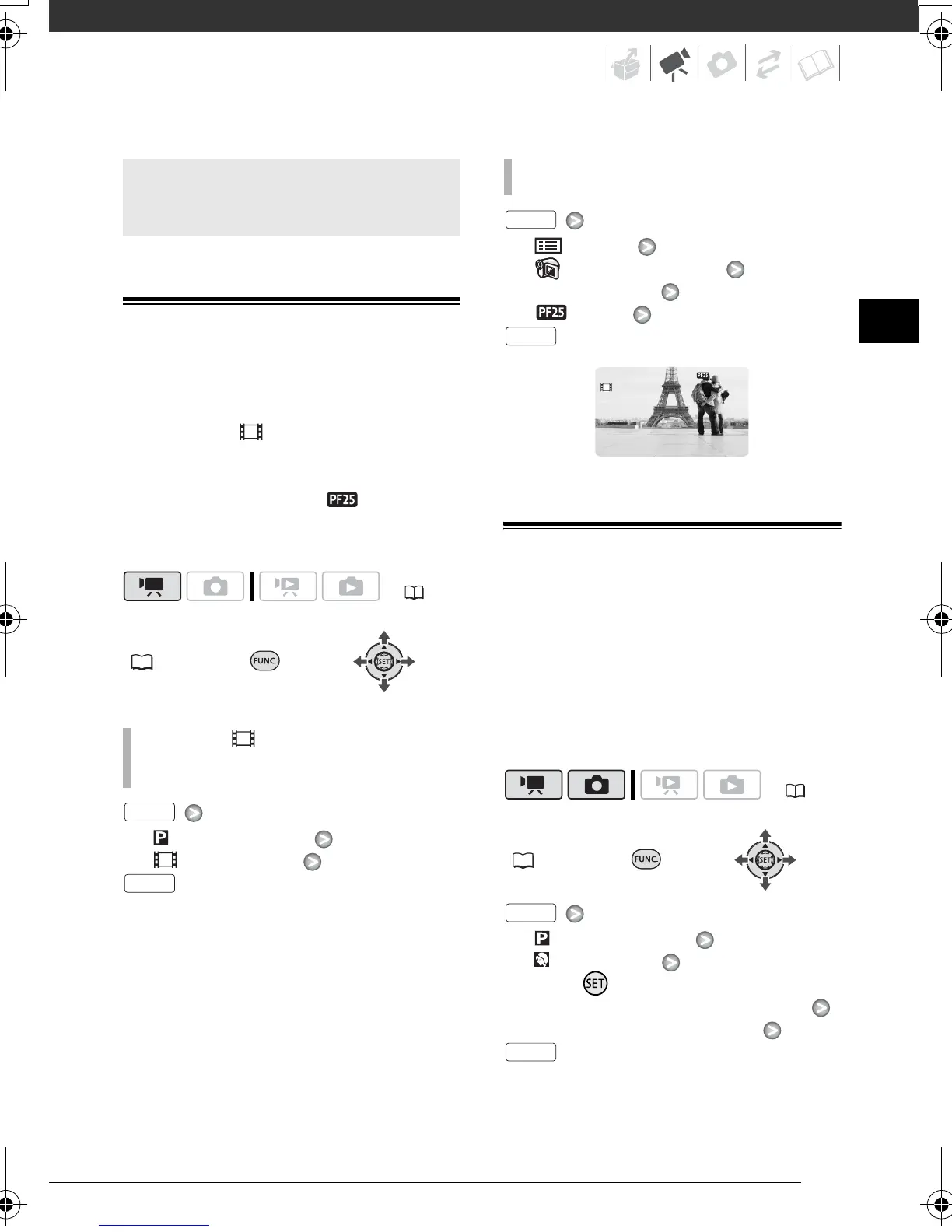
Give your recordings a cinematic look
by using the [ CINE MODE]
recording program. Combine this
recording program with the 25 fps
progressive frame rate [ PF25] to
get the enhanced effect of the 25p
Cinema Mode.
FUNC.
( 24)
[ PROGRAM AE]
[ CINE MODE]
[ MENU]
[ CAMERA SETUP]
[FRAME RATE]
[ PF25]
Special Scene Recording Programs
Recording in a very bright ski resort or
capturing the full colors of a sunset or a
fireworks display becomes as easy as
selecting a Special Scene recording
program. For details about the available
options, refer to the sidebar on page
40.
FUNC.
( 24)
[ PROGRAM AE]
[ PORTRAIT]
Press to display the Special
Scene (SCN) recording programs
Desired recording program
Advanced Functions
( 22)
TO SET THE [ CINE MODE] RECORDING
PROGRAM
FUNC.
FUNC.
TO CHANGE THE FRAME RATE
( 22)
FUNC.
FUNC.
FUNC.
FUNC.
D128_PAL_E.book Page 39 Thursday, March 6, 2008 7:53 PM



 To Next Page
 Loading...