9-10
Troubleshooting
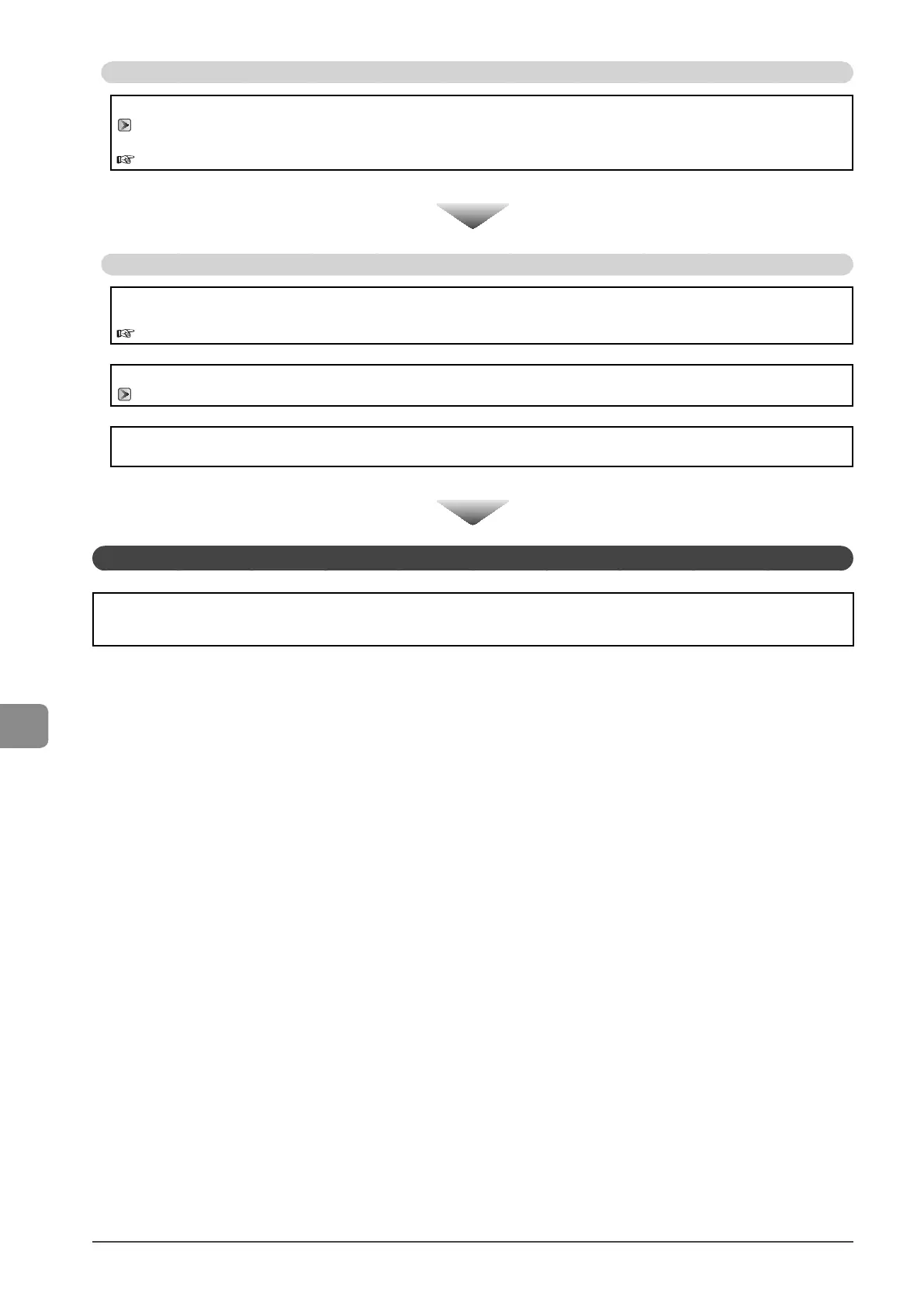
Does a message appear on the display?
If an error message appears on the display, refer to the following section to locate the appropriate corrective action.
“Display Message” (→P.9-6)
Print the transmission management report to see if any errors are listed.
e-Manual → Basic Operation → Printing a List → Printing a Communication Management Report
If there is no problem
Is the telephone line connected or configured properly?
Ensure that the telephone cable is properly connected. Check if the cables for the telephone line port and external device
port on the back of the machine are connected inversely.
“Configuring and Connecting the Fax” (→ Starter Guide)
Ensure that the line type setting (dial or push) corresponds to the type of telephone line that is connected to the machine.
“Select Line Type” (→P.6-20)
Ensure that the telephone line is not receiving interference from nearby devices such as a microwave oven. This may affect
status of the telephone line.
If there is no problem
If You Cannot Solve a Problem
See “Troubleshooting” in the e-Manual, then solve the problem.



 To Next Page
 Loading...








