1-7
Before Using the Machine
This section describes how to navigate the menu and specify
values on the menu screen.
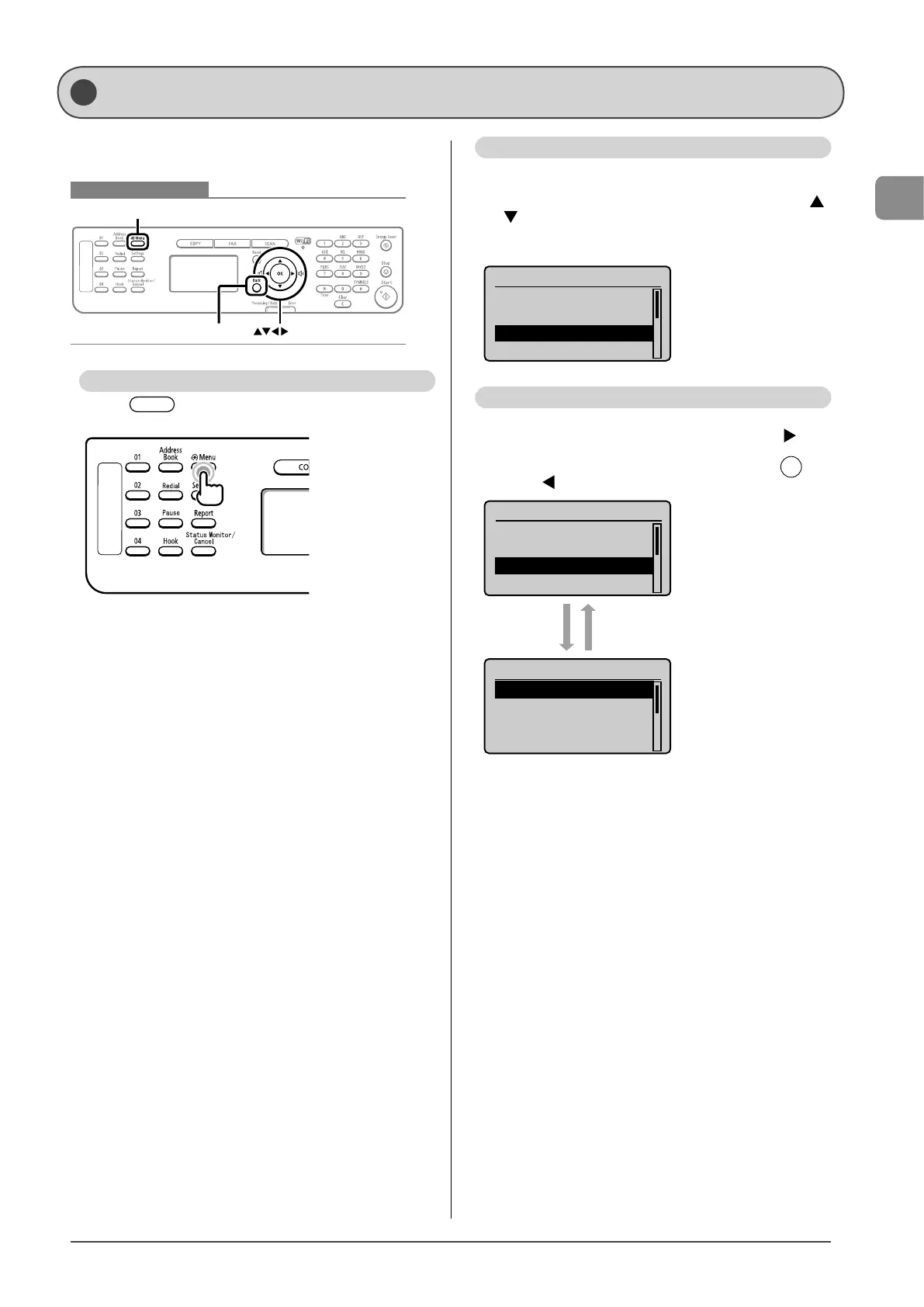
Keys to be used for this operation
Menu
OKBack
Entering the Menu Screen
Press [ ] (Menu) to enter the menu screen.
Scrolling Through Menu Items
The scroll bar at the right side of the screen indicates that
more items are available.
To select an item that is not shown on the screen, press [
]
or [
] to scroll through menu items.
The currently selected item is highlighted with a black
background.
Menu
Network Settings
Preferences
Timer Settings
Copy Settings
Selecting a Menu Item
Press [OK] to select a highlighted menu.
If there are submenus available, you can also press [
] to
select the item and proceed to the next screen.
You can return to the previous screen by pressing [
]
(Back) or [
].
Menu
Network Settings
Preferences
Timer Settings
Copy Settings
Timer Settings
Time & Date Settings
Sleep Timer
Auto Reset Timer
Screen After Auto R
...
[Back] or [Ż][OK] or [Ź]
Navigating the Menu



 To Next Page
 Loading...








