If an Error Occurs
When an error occurs in printing such as the machine is out of paper or paper is jammed, a troubleshooting
message is displayed automatically. Take the appropriate action described in the message.
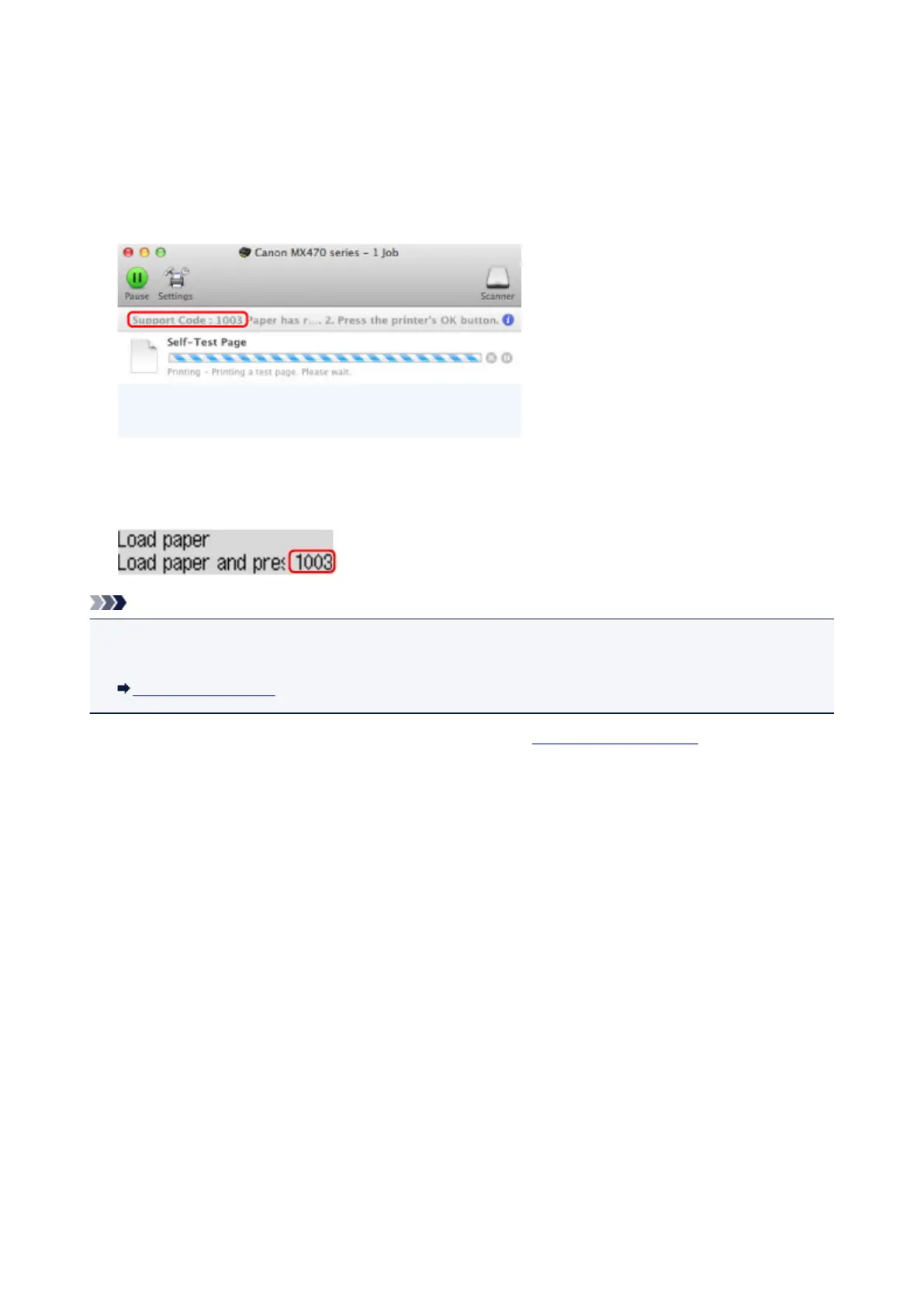
When an error occurs, a Support Code (error number) is displayed on the computer screen or the LCD.
• When a Support Code and a message are displayed on the computer screen:
* The screen differs depending on the OS you are using.
• When a Support Code and a message are displayed on the LCD:
Note
• You can confirm the actions against errors with Support Codes on your computer by searching a
Support Code.
Click Here to Search
For details on how to resolve errors without Support Codes, see A Message Is Displayed.
595


 To Next Page
 Loading...










