28
5
Cool
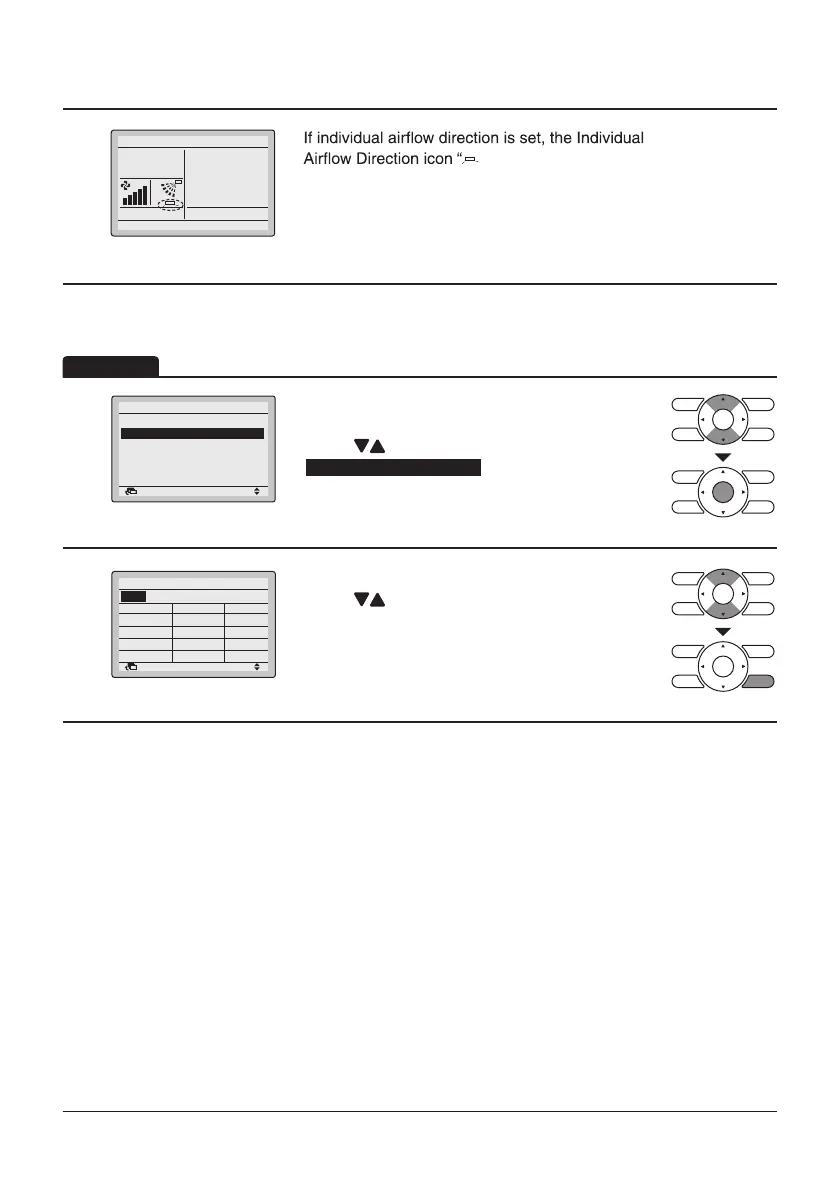
Basic screen
•
” is displayed in the Basic
screen.
1
Return Setting
Individual Air Direction
Individual Setting
Reset All Indivi Setting
Individual Setting List
• Display the Individual Air Direction screen
(Refer to page27).
• Press “
” buttons to select
Individual Setting List
.
• Press Menu/Enter button.
2
Return
Individual Setting List
UnitA
Outletmark
Auto
OFF
Indiv.
Auto OFF
Auto OFF
Auto OFF
• A table shows the current settings.
Press “ ” buttons to go to the next unit.
• Press Cancel button to return to the Main Menu
screen.
Operation
Individual Setting List
Set to
28°C
Air direc.


 To Next Page
 Loading...










