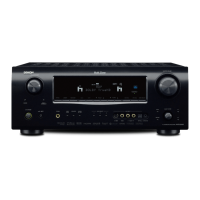
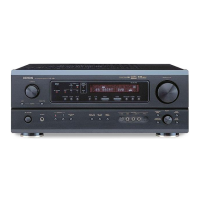
4. ProtectionHistoryDisplayMode
Displays the protection occurrence history.
4.1.Startingup
Press and hold the power operation button "
X
" before inserting the AC plug, then insert the AC plug while holding down
the button and wait for more than 3 seconds.
Select "
Protection History
" using "
CURSOR
d
" and "
CURSOR
f
", then press the "
Enter
" button to select.
Startupdisplay
"
Detect Protection
" is displayed for 5 seconds.
To exit this mode, press the power operation button "
X
" to switch to standby mode.
4.2.Displays
q
No detected history :
w
Thermal error detection :
Detects abnormal temperature raises in AMP (Q1802, Q1805, Q1852, Q1855)
e
Amp abnormalities detected :
Detects abnormalities in the digital amp, IC1601 (CSRA6600) and IC1701 (CSRA6601)
Detects shorts in the speaker output
r
DC Protect 1 : Detects abnormalities in the ±9V power supply
t
DC Protect 2 : Detects abnormalities in the ±12 V/±18 V power supply
22


 To Next Page
 Loading...