S2E-17-0208_OM_WR2120_C
3
2. DPU OPERATION
2.1. Startup
Turn on the power of DPU to start Windows®.
User name: radar
Password: radar
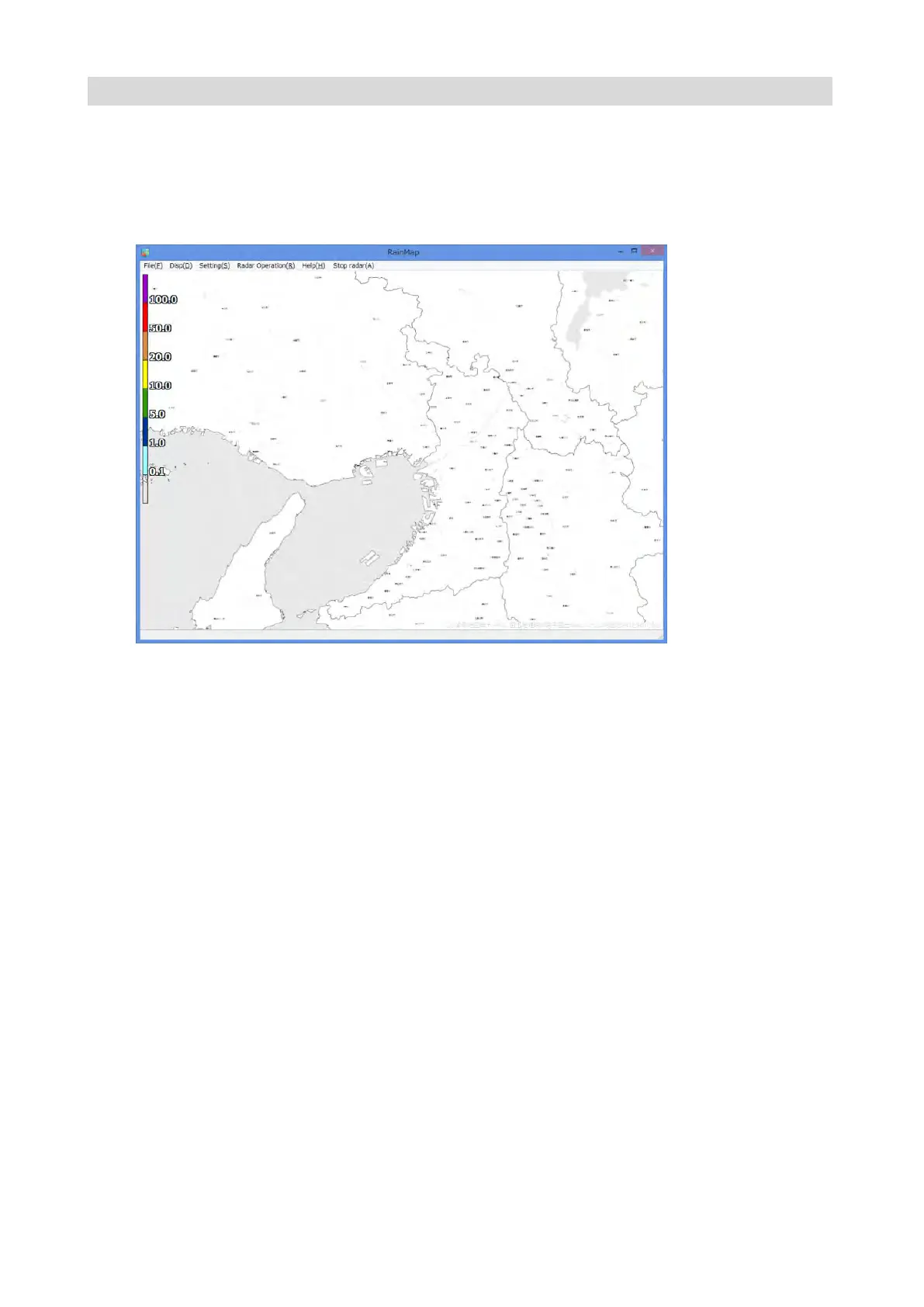
The following screen will display during startup.
2.2. Shutdown
1) Shut down the Windows®.
There are 3 ways to shut down the windows:
Method 1: Right click [Start button] -> [Shutdown or Sign out] -> [Shutdown]
This operation is only possible to the local computer.
Method 2: Press [Windows] + [X] key -> [Shutdown or Sign out] -> [Shutdown]
Method 3: Press [ALT] + [F4] key -> [Shutdown]
Note: Be aware to operate method 2 and 3 for trying to use from the remote desktop and
TeamViewer. It may shut down your own local computer.
2) The power of DPU is off.


 To Next Page
 Loading...