42
To “Conguring the settings” (P.8)
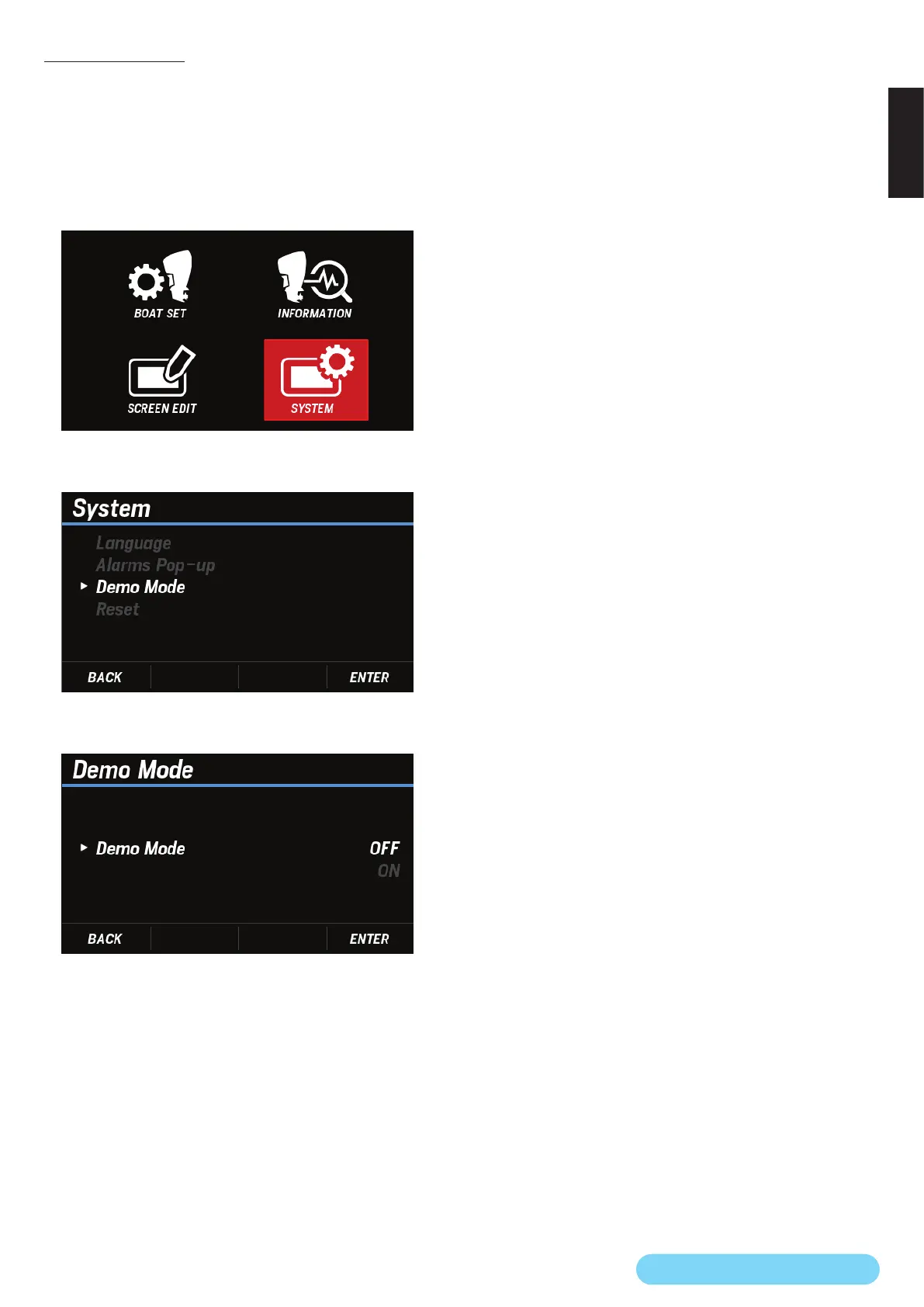
(26) Demo Mode
You can switch the screen to the demo display screen.
When Demo Mode is set to ON, you can check how the
contents you have set are displayed on the main screen.
Be sure to turn the demo mode OFF after use.
1. Use the [
∧
] or [
∨
] button to select SYSTEM and press the
[ENTER] button.
2. Use the [
∧
] or [
∨
] button to select Demo Mode and press
the [ENTER] button.
3. Use the [
∧
] or [
∨
] button to select ON or OFF and press the
[ENTER] button.


 To Next Page
 Loading...