New2001
16
4
BASIC OPERATION
New2001
1
2
3
4
5
6
7
8
9
10
11
12
13
14
15
16
17
18
19
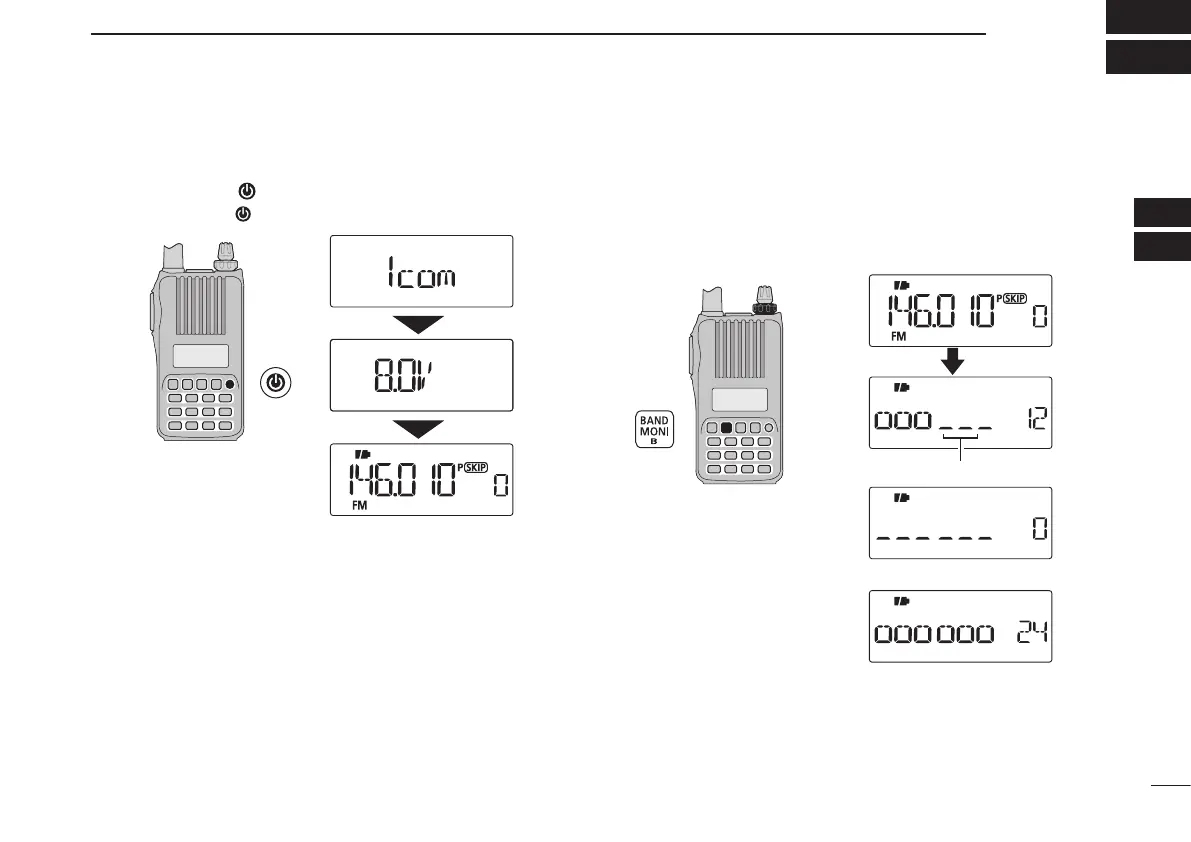
■ Power ON
➥ Push and hold [ ] for 1 sec. to turn power ON.
•Pushandhold[ ] for 1 sec. to turn power OFF.
The voltage indication can be skipped in the Initial set mode
(p. 61).
■ Setting audio volume
➥ Rotate [VOL]
to adjust the audio level.
•Ifsquelchisclosed,pushandhold[MONI](BAND) while setting
the audio level.
•Thedisplayshowsthevolumelevelwhilesetting.
[VOL]
Minimum setting (no audio)
Maximum setting
Volume level
The beep level is adjusted in the Initial set mode (p. 60).



 To Next Page
 Loading...










