11
ENGLISH
HOW TO OPERATE PROJECTOR
Using the Screen Remote
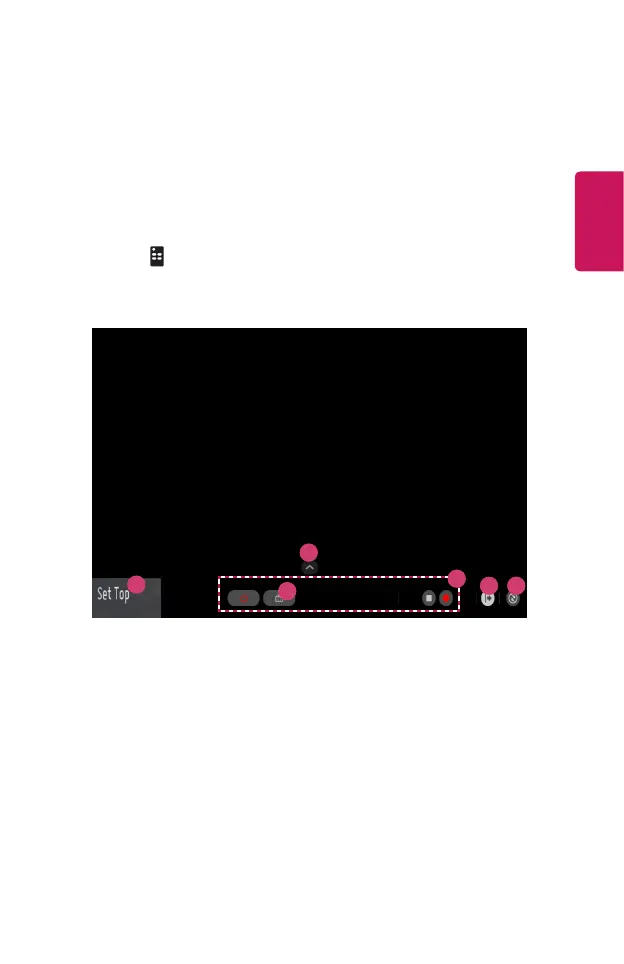
You can control external devices connected to your projector by using the Screen
Remote displayed on your projector screen.
• This feature is available on certain models only.
1 Press the button on the Magic Remote.
2 Using the Magic Remote, select your desired button on the Screen Remote
displayed on your projector screen.
1
6
4 5
2
3


 To Next Page
 Loading...











