EasyManua.ls Logo

Nikon Coolpix L20 - Taking Pictures for Food Mode

Nikon Coolpix L20
165 pages
Print Icon
To Next Page IconTo Next Page
To Previous Page IconTo Previous Page
Loading...
Using the Scene
Mode
Taking Pictures for Food
Mode
Use
when shooting foods.
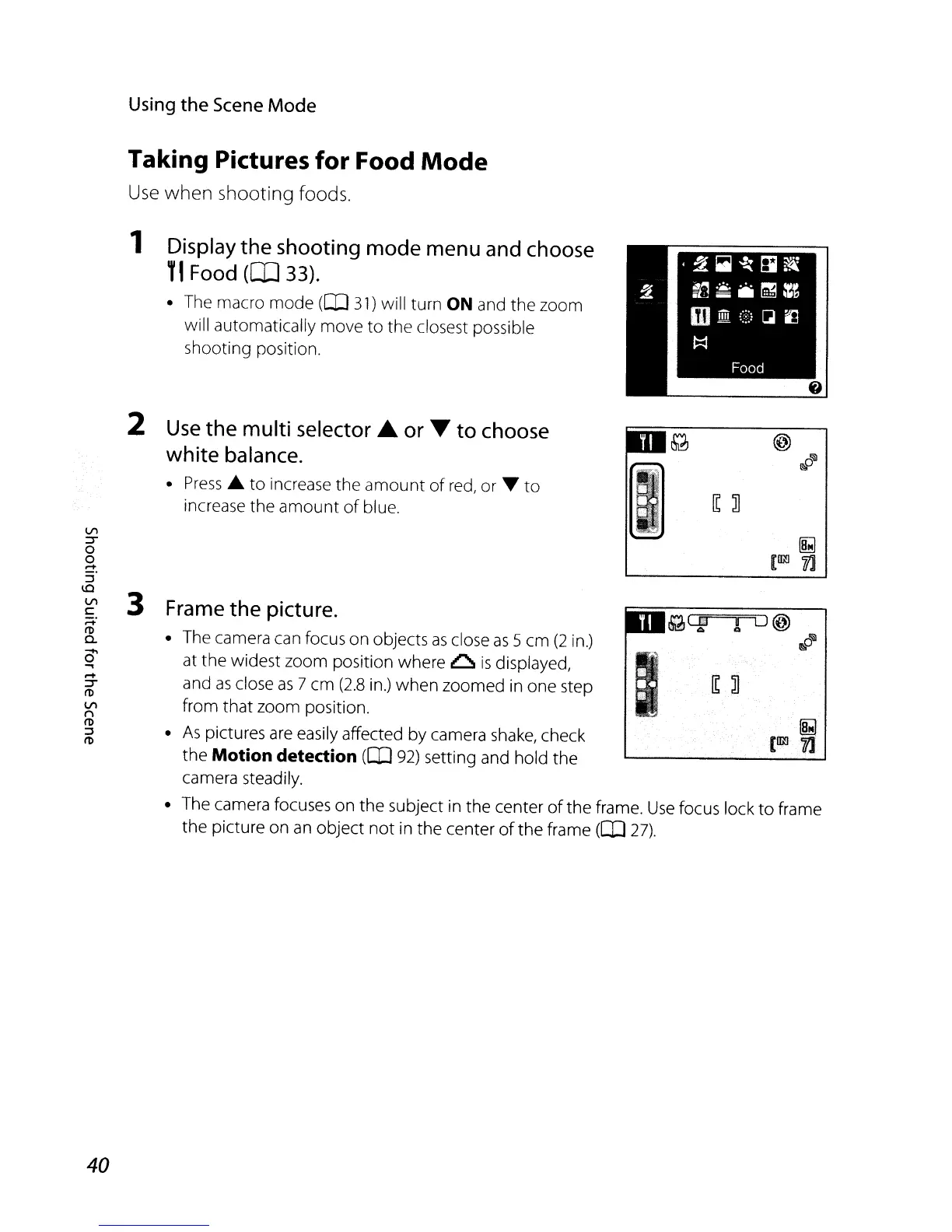
1 Display the shooting mode menu and choose
T'
Food
(lIl33).
The macro mode
([IJ
31)
will turn ON and the zoom
will automatically move
to
the closest possible
shooting position.
II
...
;·.··
.•
I
Frame the picture.
The camera can focus on objects
as
close
as
5 cm
(2
in.)
at
the
widest zoom position where
~
is
displayed,
and
as
close
as
7 cm
(2.8
in.)
when
zoomed in one step
from that zoom position.
As
pictures
are
easily affected by camera
shake,
check
the
Motion detection
(II)
92)
setting and hold the
camera steadily.
The camera focuses on
the
subject in
the
center
of
the frame.
Use
focus lock
to
frame
the picture on
an
object
not
in the center
of
the
frame
([IJ
27).
3
2
Use
the multi
selector'"
or T to choose
white balance.
Press
~
to
increase the
amount
of
red,
or ....
to
increase
the
amount
of
blue.
Vl
::T
o
o
~.
::::l
\0
Vl
C
;:::+.
I'D
a.
0'
..,
.-+
::T
I'D
VI
n
I'D
::::l
I'D
40

Table of Contents

Other manuals for Nikon Coolpix L20

Related product manuals