ŝ99Ş
Setting up the playback function using the LCD monitor
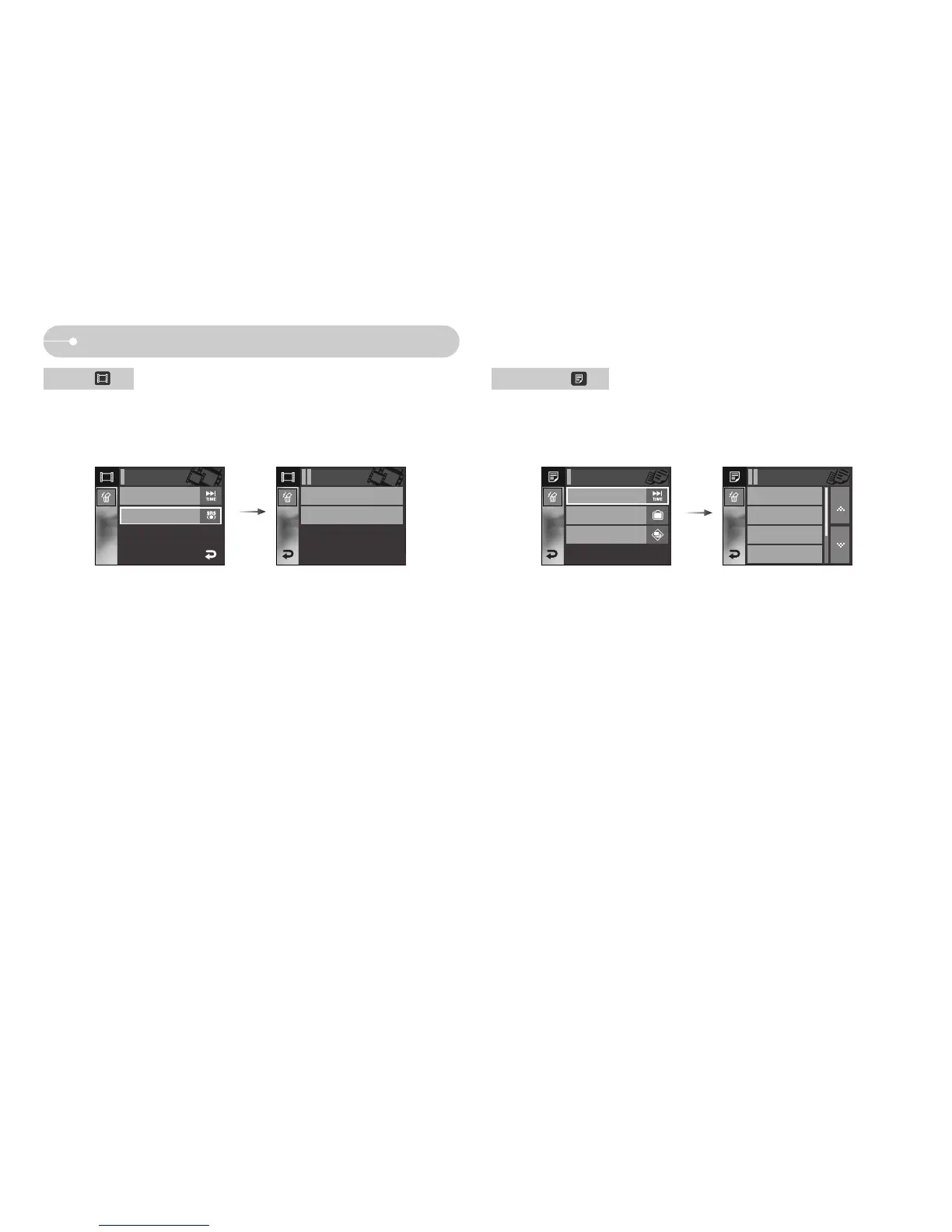
ƈ The playing text is scrolled automatically and displays on the LCD monitor.
[Off] : The text will not be scrolled automatically.
ſ Press the Ɗƌ icon and you can use the Auto Scroll function.
[0.8, 1.1, 1.4, 1.7, 2.0 , 2.3 sec]
: The text will be scrolled automatically.
The interval is marked on each menu icon.
Auto Scroll
SRS
ƈ You can select the 3D (3 dimentional multi-sound) Sound that has fine low and
high pitched sound.
[Off]: cancels the SRS.
[On]: selects the SRS.
MP3 BGM
On
Language
ENGLISH
TEXT VIEWER MENU
Off
0.8 sec
1.1 sec
1.4 sec
Auto Scroll
Auto Scroll
Off
Seeking
Normal
PMP MENU
Off
On
SRS
SRS
On



 To Next Page
 Loading...







