ŝ25Ş
ZOOM W / T button
ƃ Images taken using the digital zoom may take a little longer for the camera
to process. Allow time for this to take place.
ƃ You may notice a decrease in image quality when using the digital zoom.
ƃ To view a clearer digital zoom image, press the shutter button halfway at the
maximum optical zoom position and press the zoom T button again.
ƃ The digital zoom can't be activated in the [Nightscene], [Children], [Text],
[Close up], [Fireworks], [Self Shot], [Food], [Café] scene modes, the Movie
clip mode, the ASR (Wise shot) mode and the [High light], [Photo Frame],
[Composite] effect.
ƃ Take care not to touch the lens as this may cause a camera malfunction.
INFORMATION
Mode button
ƈ You can select the desired working mode using
the M(Mode) button located on the back of the
camera.
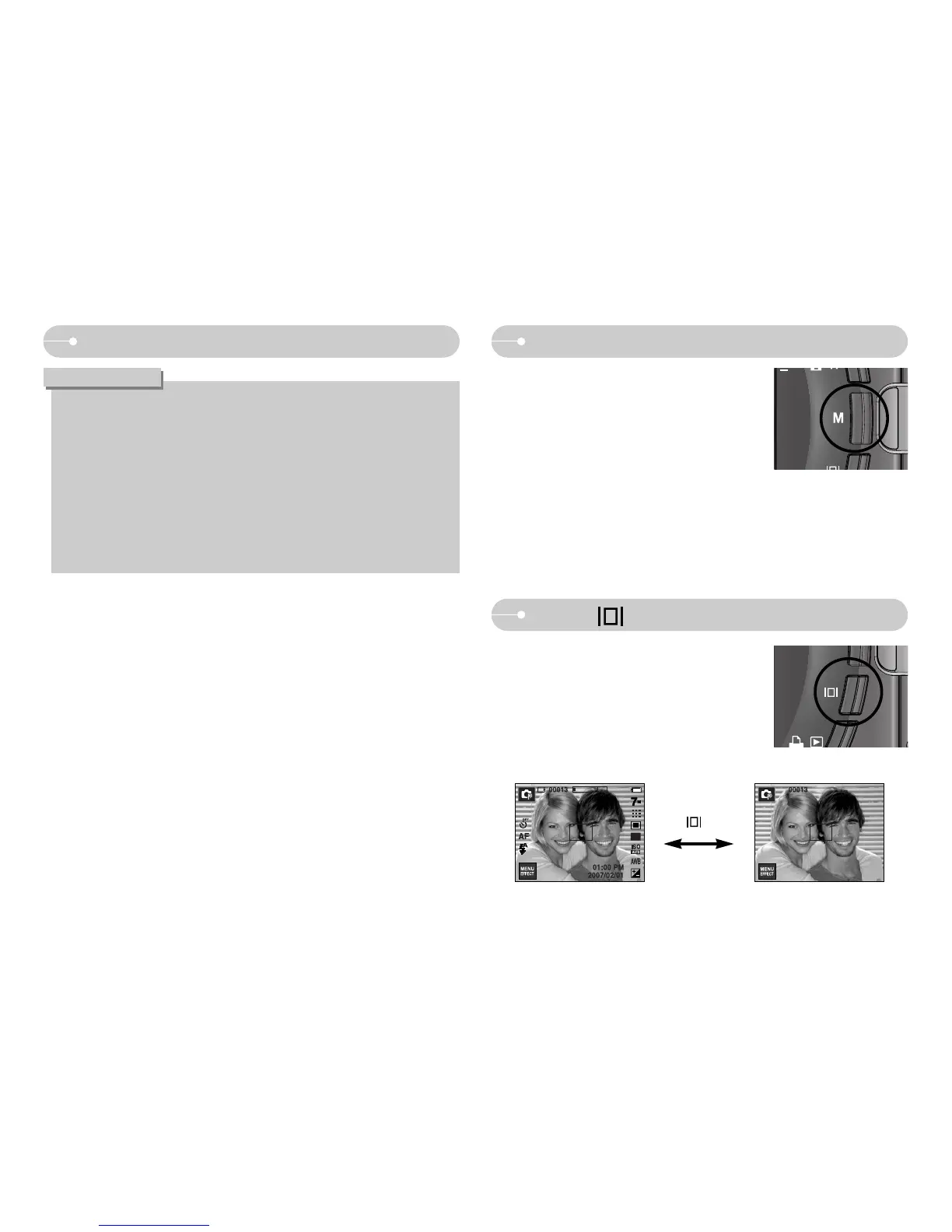
Info ( ) button
ƈ In the recording modes or playback mode, pressing
this button will display the image information.
Info ( ) button


 To Next Page
 Loading...








