ŝ55Ş
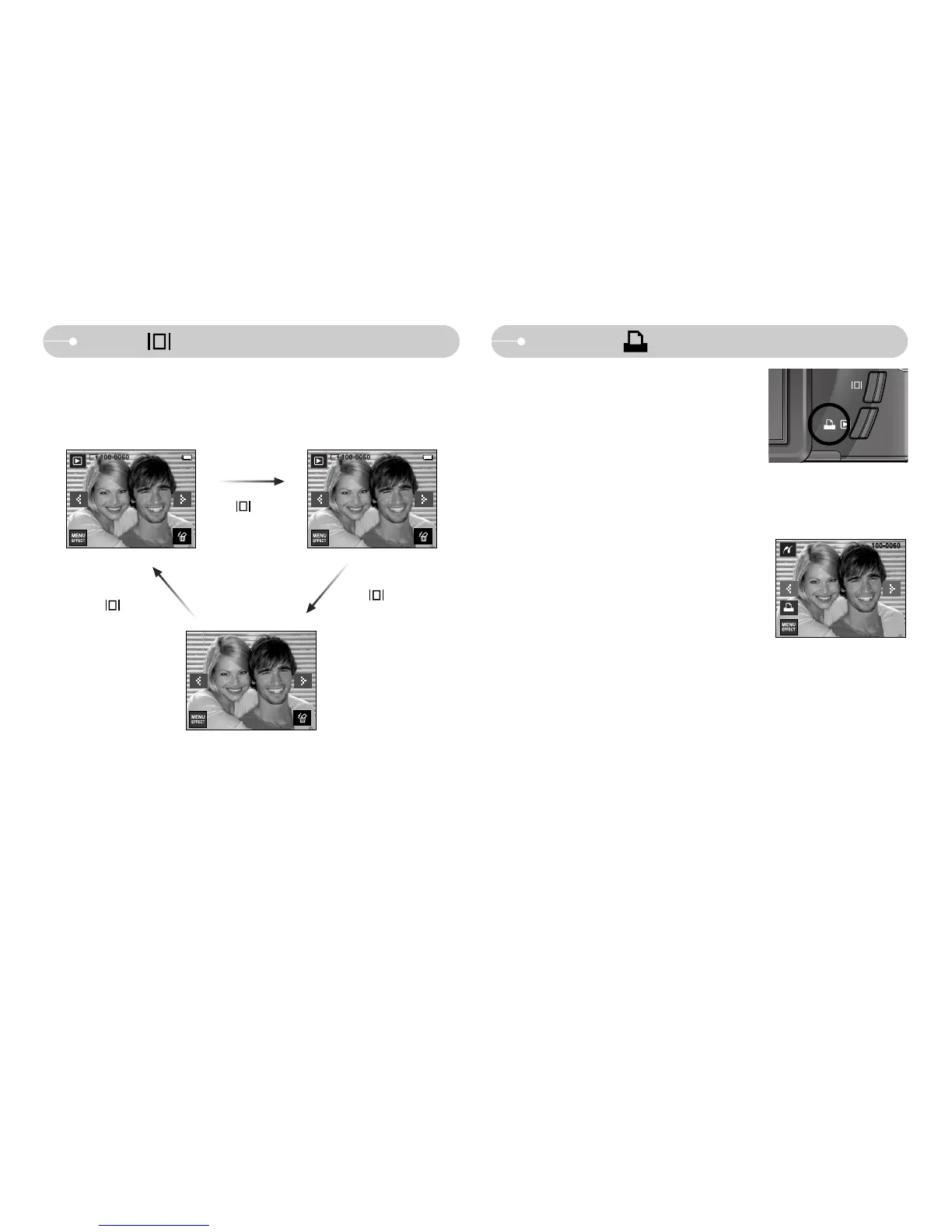
ƈ Pressing the Info button, information of displayed image will display on the LCD
monitor.
Info ( ) button
Info ( ) button
Info ( ) button
Info ( ) button
ISO : 100
AV : F3.5
TV :1/45
Flash :Off
3072x2304
2007/02/01
Printer ( ) button
ƈ You can print images with this button after
connecting the camera to a PictBridge printer.
ˋIn some instances the camera may not connect to
the printer, this will depend on the make of the
printer.
- After the connection, the Easy printing menu will be
displayed on the LCD monitor.


 To Next Page
 Loading...








