Channel Management
Screen Menu
>
Broadcasting
>
Edit Channel
Try Now
Try Now
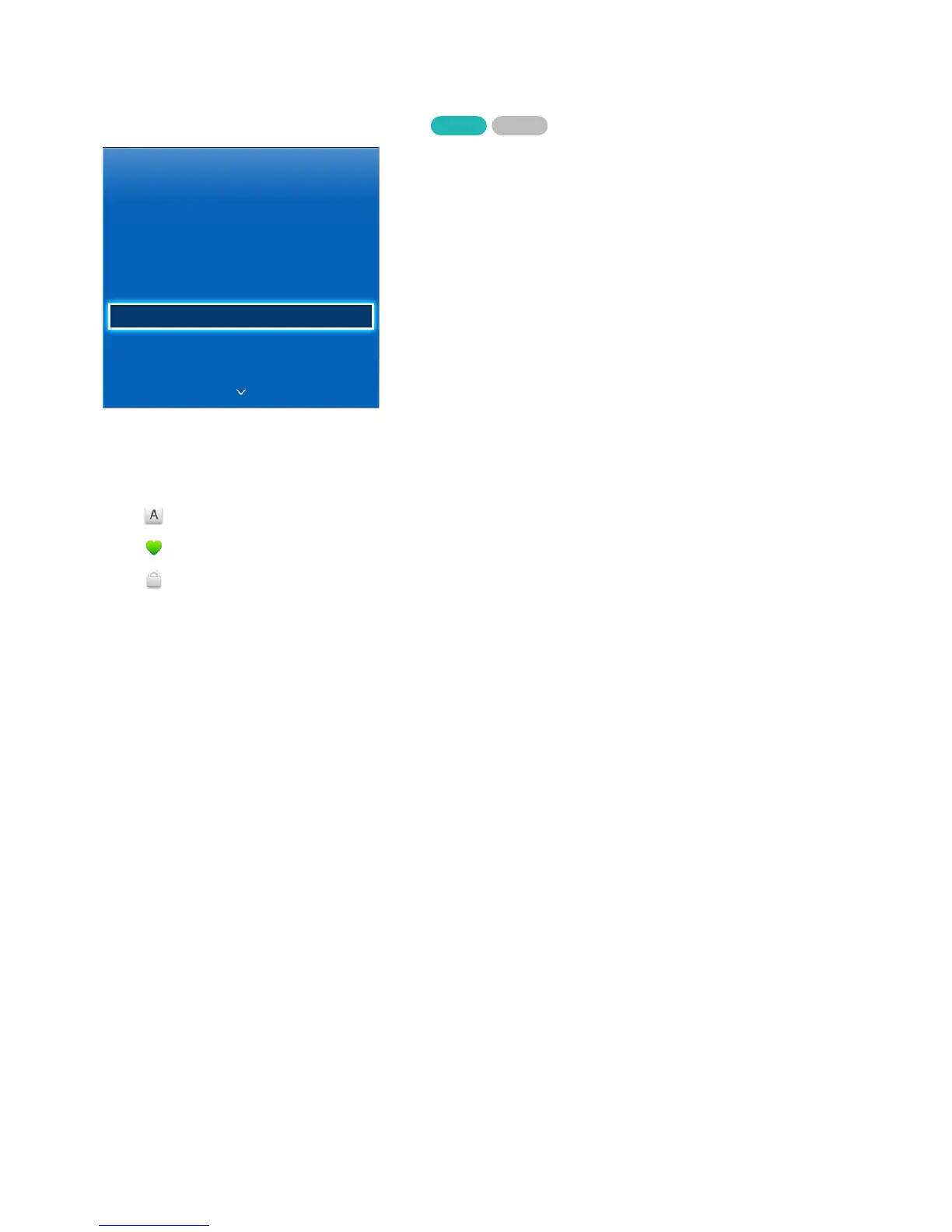
Broadcasting
Auto Tuning
Channel List
Guide
Schedule Manager
Edit Channel
Edit Favourites
Channel Settings
"
The displayed image may differ depending on the model.
Remove channels from the index, and rename analogue channels. The Edit Channel screen icons
indicate the following:
●
: An analogue channel
●
: A favourites channel
●
: A locked channel
From the Edit Channel screen, select the Virtual Remote panel's TOOLS button to access the following
options:
●
Sorting
(digital channels only)
Change the list ordered by name or number.
●
Category
The TV's channel index is divided into different categories such as All, TV, Radio, Analogue,
Recently Viewed and Most Viewed. Choose a category.
●
Edit Favourites
Organize favorites lists to find favorite channels and switch between channels more easily. For
details, see "Favourite Channels".


 To Next Page
 Loading...