Section 3A: Sprint PCS Service Features – The Basics 199
Using Call Forwarding
Call Forwarding lets you forward all your incoming calls to
another phone number – even when your phone is turned off.
You can continue to make calls from your phone when Call
Forwarding is activated.
To activate Call Forwarding:
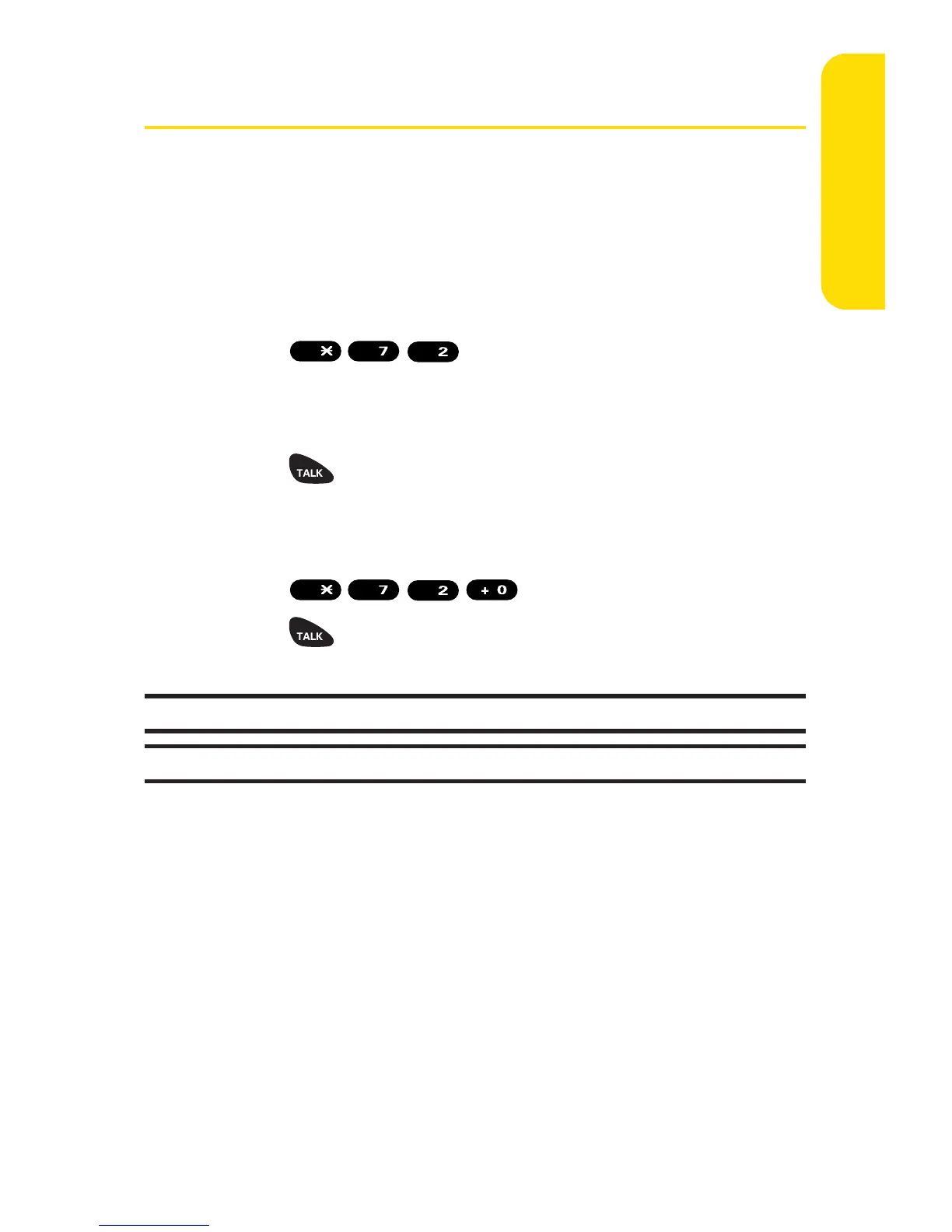
1. Press
.
2. Enter the area code and phone number to which your
future calls should be forwarded.
3. Press . (You will hear a tone to confirm the
activation of Call Forwarding.)
To deactivate Call Forwarding:
1. Press
.
2. Press . (You will hear a tone to confirm the
deactivation.)
Note: You are charged a higher rate for calls you have forwarded.
Note: Sprint PCS Ready Link calls cannot be forwarded.


 To Next Page
 Loading...