New Information Page
___________________________________________________________________________________________________________________________
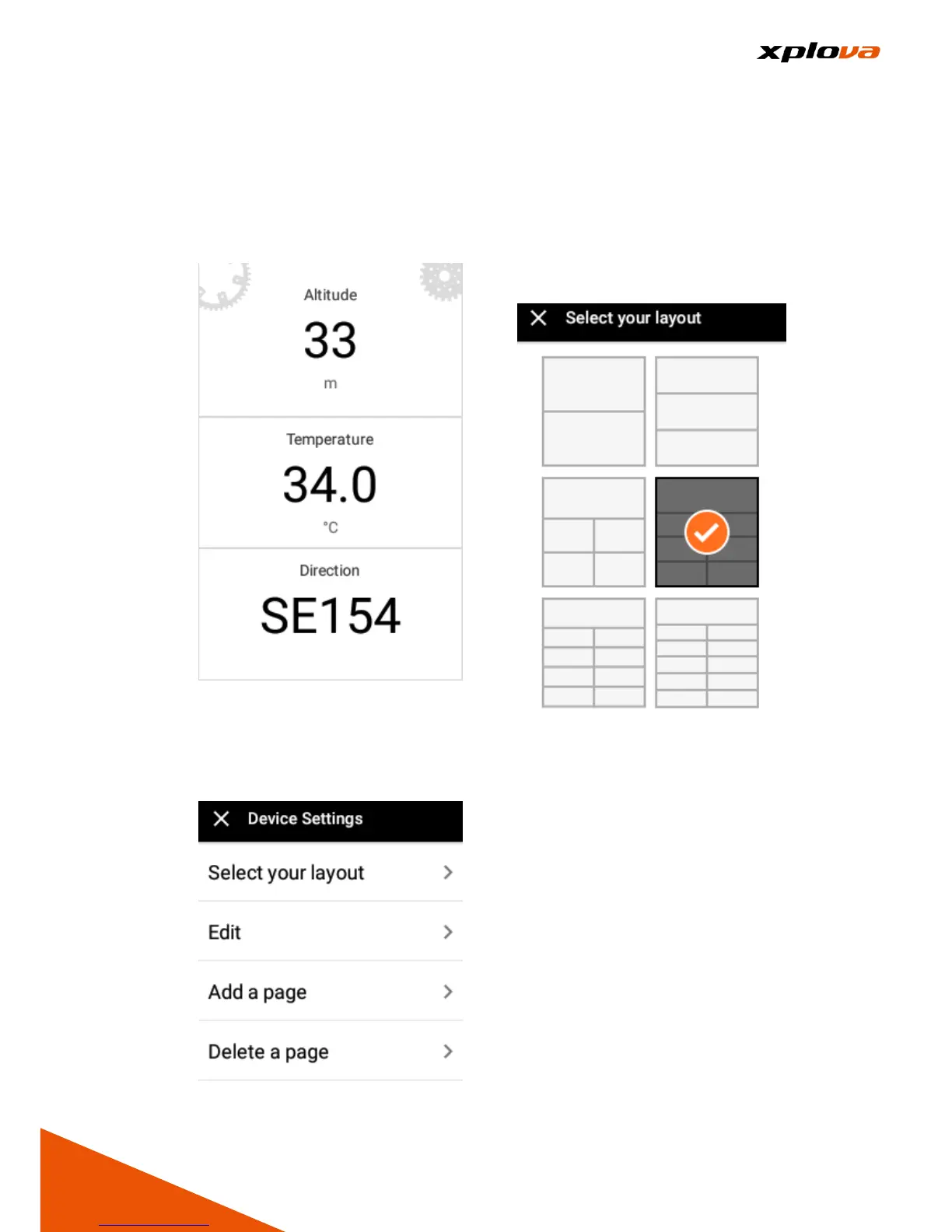
1. Swipe up and down on the
Instrument Panel, the
Personalized Information Screen
appears.
2. Enter Quick Access Menu. Select
[Device Settings] to enter the
Device Settings page. Then tap
[Add a page].
3. In Select your layout page, select
the desired page layout. These
different layouts contain 2~11
types of information. Please
select the layout that best fits
your needs.
4. In Edit page, tap the respective
field to set the information you
want to view.


 To Next Page
 Loading...