Low-beam headlight
The low-beam headlight switches
on automatically when you start
the engine.
When the engine is not
running you can switch on
the lights by switching on the ig-
nition and either switching on the
high-beam headlight or operating
the headlight flasher.
High-beam headlight
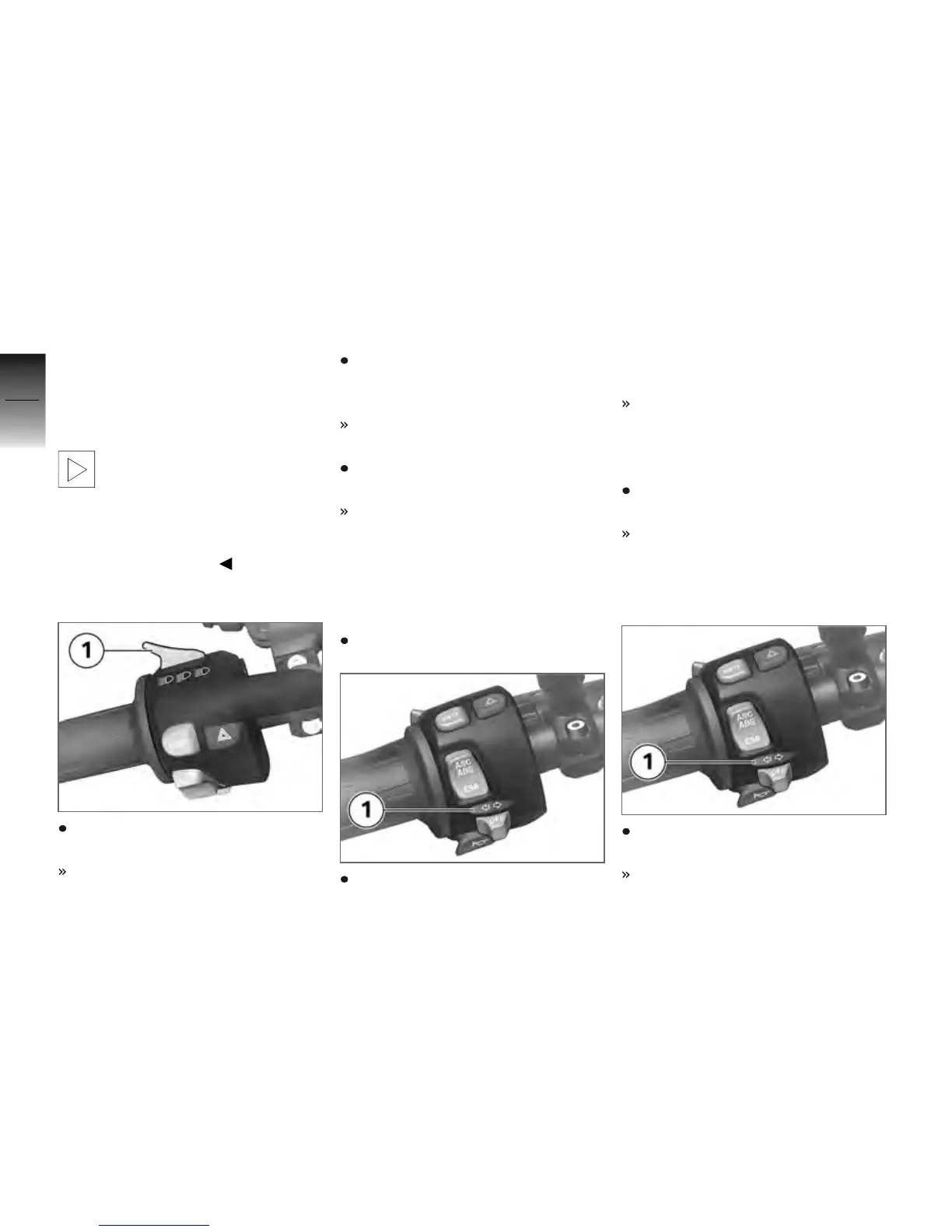
Press the high-beam headlight
switch 1 forwards.
High-beam headlight switched
on.
Return the high-beam head-
light switch 1 to its initial posi-
tion.
High-beam headlight switched
off.
Pull the high-beam headlight
switch 1 to the rear.
The high-beam headlight is
switched on until you release
the button (headlight flasher).
Switching on parking
lights
Switch off the ignition.
Immediately after switching off
the ignition, press turn-indicator
button 1 to the left and hold
down.
Parking light switches on.
Switching off parking
lights
Switch the ignition on and then
off again.
Parking lights switched off.
Turn indicators
Operating turn indicators
Push turn-indicator button 1 to
the left.
Left-hand turn indicators
switched on.
4
56
z
Operation


 To Next Page
 Loading...