86
Image Playback
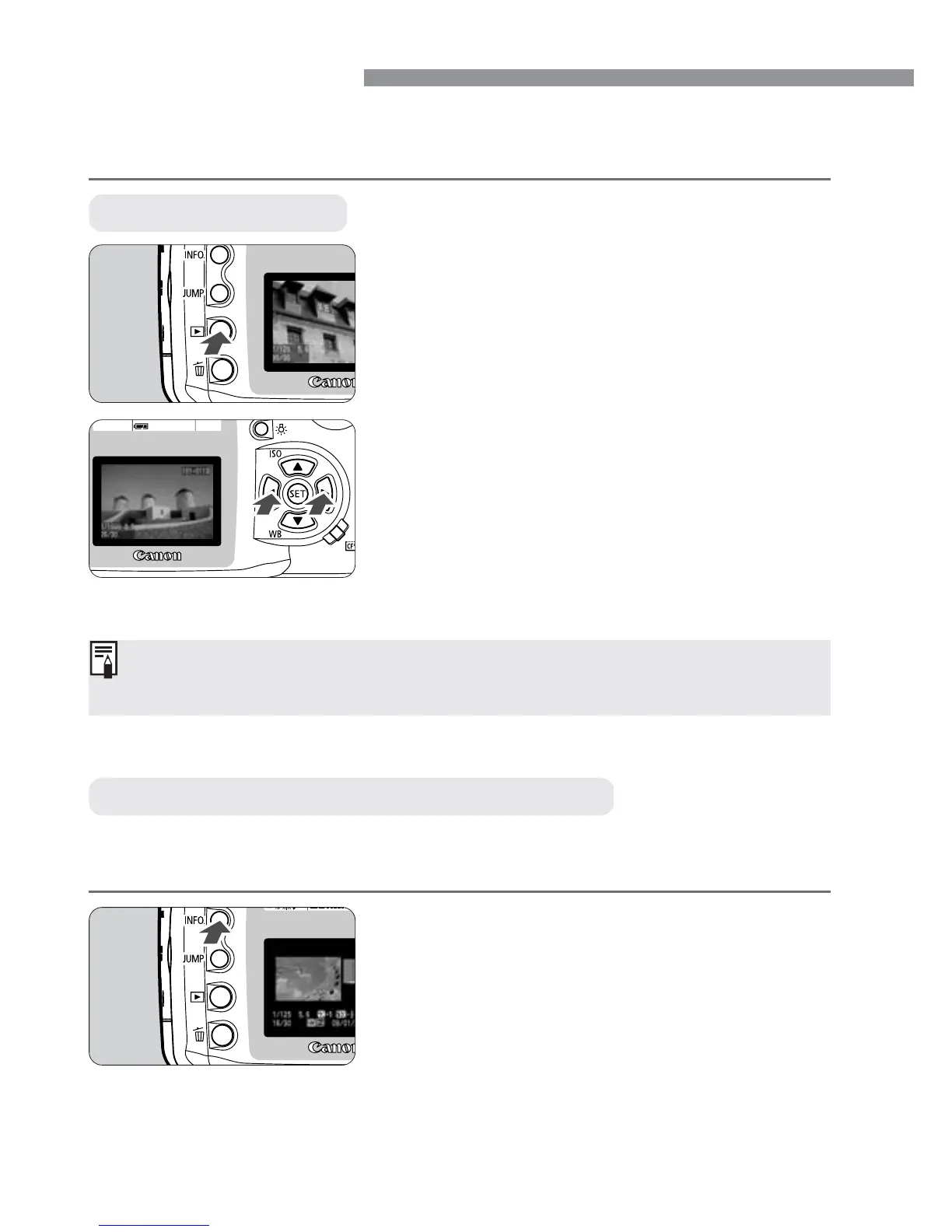
You can select any image to view. You can view a single image, the
image information, an index display, or a magnified view.
Press the <4> button.
•
As with the single image display mode
explained above, you can use the
cross keys to view another image.
•
Pressing the <4> button toggles
between the single image display and
image with shooting information
display.
While an image is displayed on the LCD monitor, press the <4>
button to display the image’s shooting information.
] Single image
Playback the image.
•
Press the <]> button.
s
The last captured image will appear on
the LCD monitor.
1
View another image.
•
Press the <ƒ> key to view images
starting with the newest one.
•
Press the <©> key to view images
starting with the oldest one.
•
To quit the playback, press the <]>
button. The LCD monitor will turn off.
2
In any image display mode, you can turn the <l> dial to view another
image.
4 Image with Shooting Information



 To Next Page
 Loading...







