92
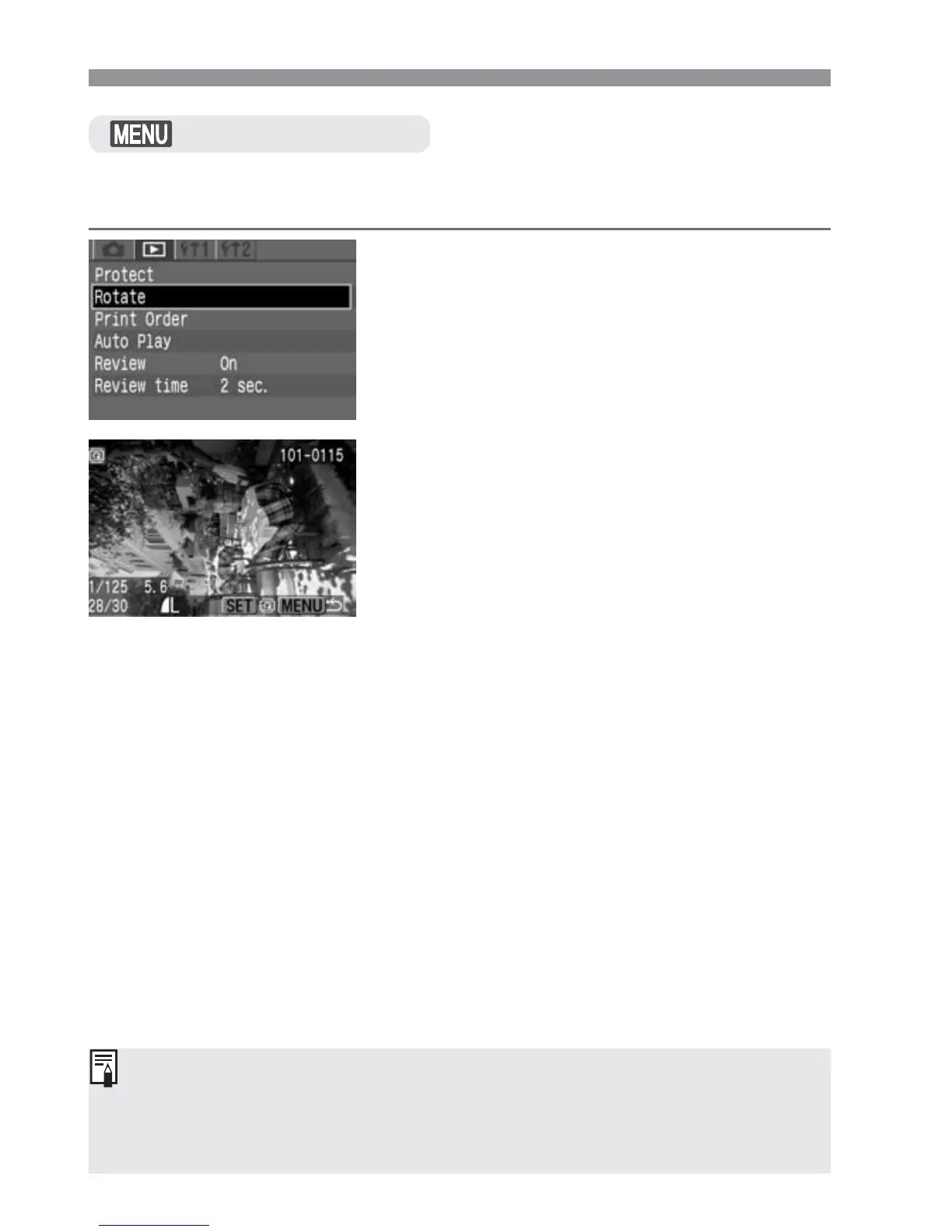
The Rotate function can rotate an image 90° or 270˚ clockwise. This
allows you to display images with the correct orientation.
Image Playback
Rotating an Image
Select [Rotate].
•
Select the <]> tab.
•
Press the <å> keys to select
[Rotate], then press <p>.
s
The image rotation screen will appear.
1
Rotate the image.
•
Press the <µ> keys to select the
image to be rotated, then press <p>.
s
Each time you press <p>, the image
will rotate clockwise.
•
To rotate another image, repeat step
2.
•
To quit the image rotation, press the
<m> button. The menu will
reappear.
2
•
If you have set [Auto rotate] to [On] (p.59) before taking the vertical
shots, you need not rotate the image as described above.
•
Image rotation is also possible in the image information, magnified view,
and index display modes.


 To Next Page
 Loading...








