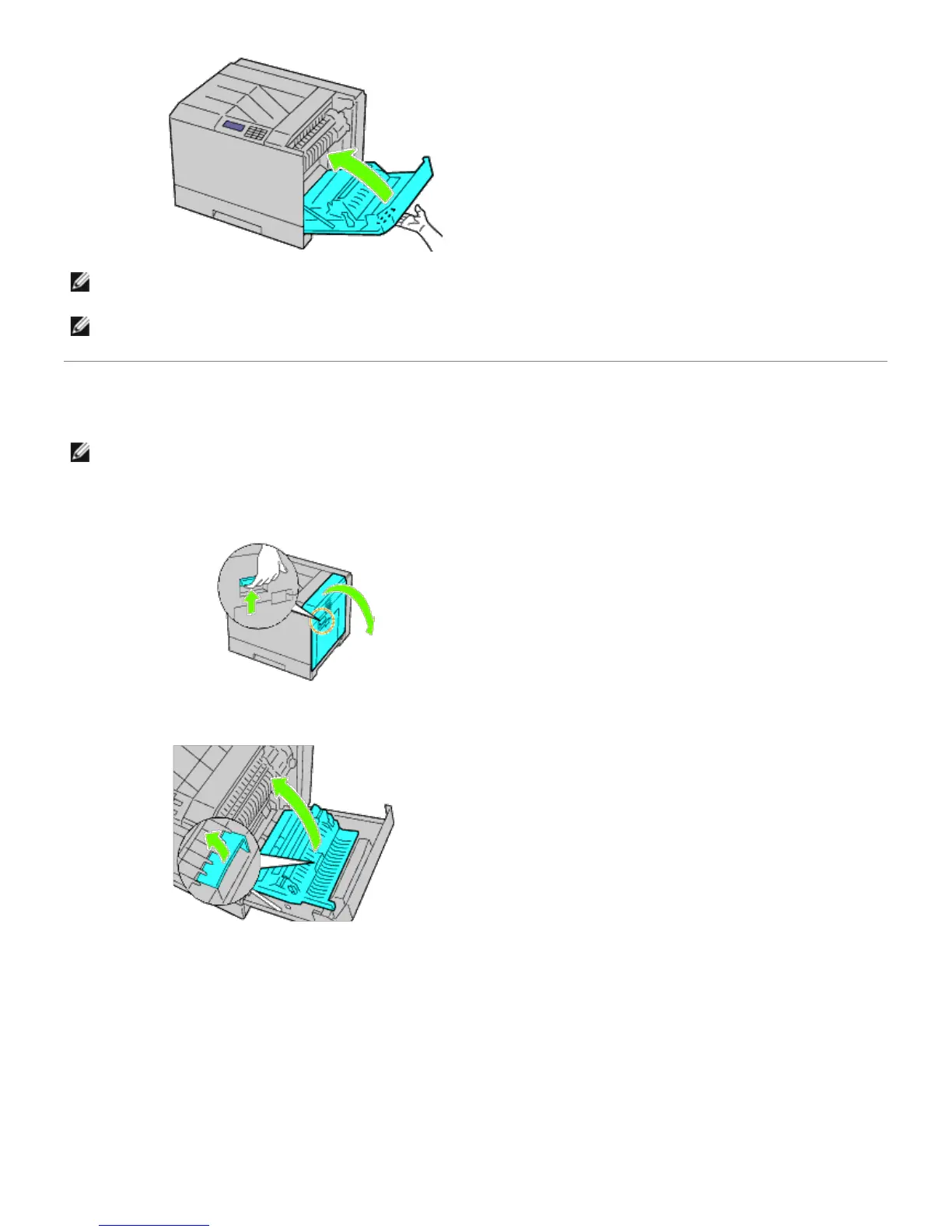
NOTE: When closing the right hand cover, apply your hand in the vicinity of the handle as shown in the illustration,
and then press the cover firmly toward the printer.
NOTE: Stand straight in front of the right hand cover and not in front of the front cover, whenever you close the
right hand cover.
Clearing Paper Jams From the Duplexer
NOTE: To resolve the error displayed on the operator panel, you must clear all print media from the print media
path.
1. Open the right hand cover.
2. Use the handle to lift the duplexer.
3. Remove any paper from the duplexer.


 To Next Page
 Loading...











