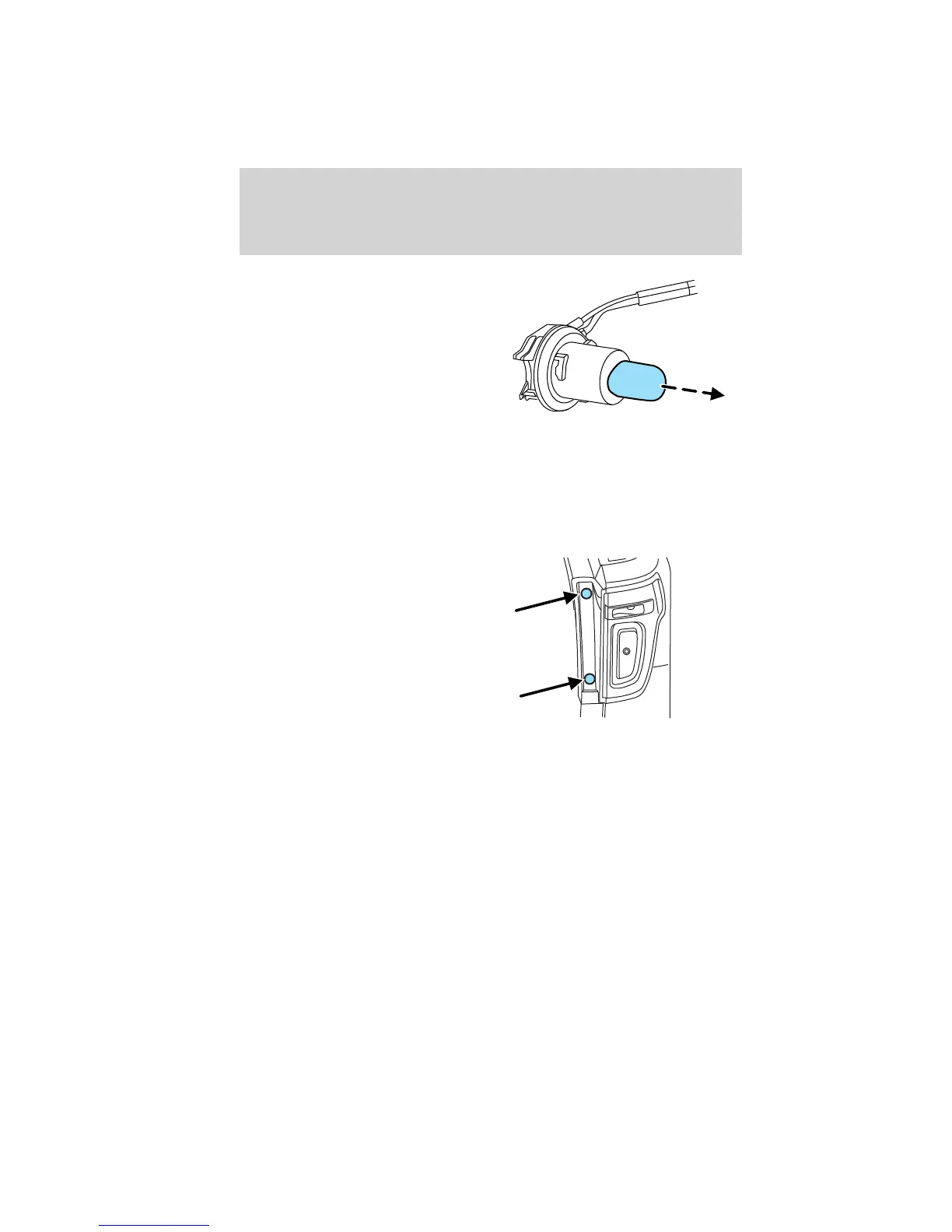
5. Pull the bulb straight out of the
socket.
Reverse steps to reinstall bulb(s).
Replacing turn/backup lamp bulbs
The turn/backup lamp bulbs are located in the same area of the tail lamp
assembly, one below the other. Follow the same steps to replace these
bulbs:
1. Make sure the headlamp switch is
in the off position, then open the
liftgate to expose the lamp assembly
bolts.
2. Remove the two bolts covers
using a standard flat tip screwdriver.
3. Remove the two bolts from the
lamp assembly.
4. Carefully remove the lamp
assembly away from the vehicle by
pulling the assembly straight out to expose the bulb socket.
Lights
88
2011 Explorer (exp)
Owners Guide, 3rd Printing
USA (fus)


 To Next Page
 Loading...