Astro 320 and DC40 Owner’s Manual 7
Introduction
➋
➌
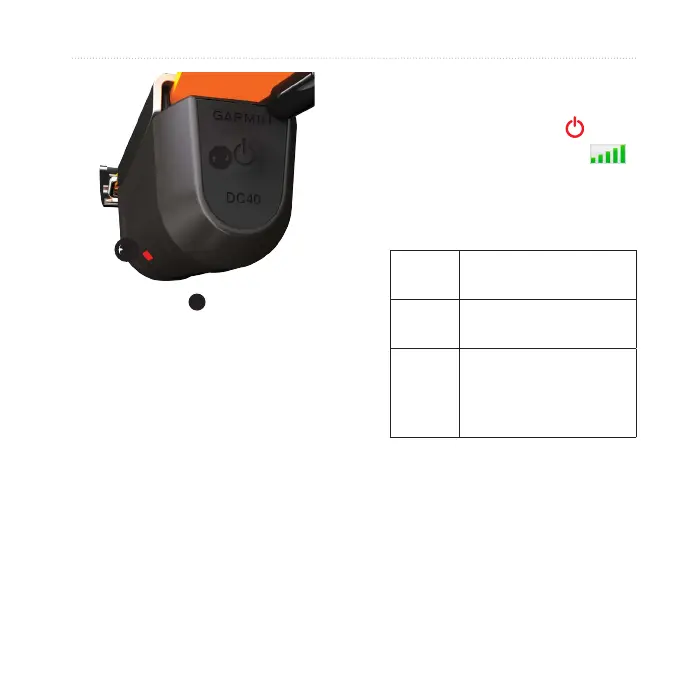
The red LED
➌
ashes (single
blink) when the DC 40 is on and
searching for satellite signals.
TIP: Turn on the DC 40, and let it
acquire satellites before you put it
on your dog.
Before you can track your dog using
the Astro and the DC 40, both devices
must acquire GPS satellite signals.
Acquiring satellite signals can take a
few minutes.
1. Go outdoors to an open area, away
from tall buildings and trees.
2. Press and quickly release
.
The status page appears. The
bars indicate satellite strength.
3. Wait for the DC 40 to acquire
satellite signals.
DC 40 is searching for
satellite signals.
DC 40 has acquired
satellite signals.
DC 40 is tracking
seven or more
satellites (best GPS
performance).
Attach the DC 40 to your dog’s
neck with the VHF antenna
pointing up (page 9) and the LED
facing forward.


 To Next Page
 Loading...