Installation
5
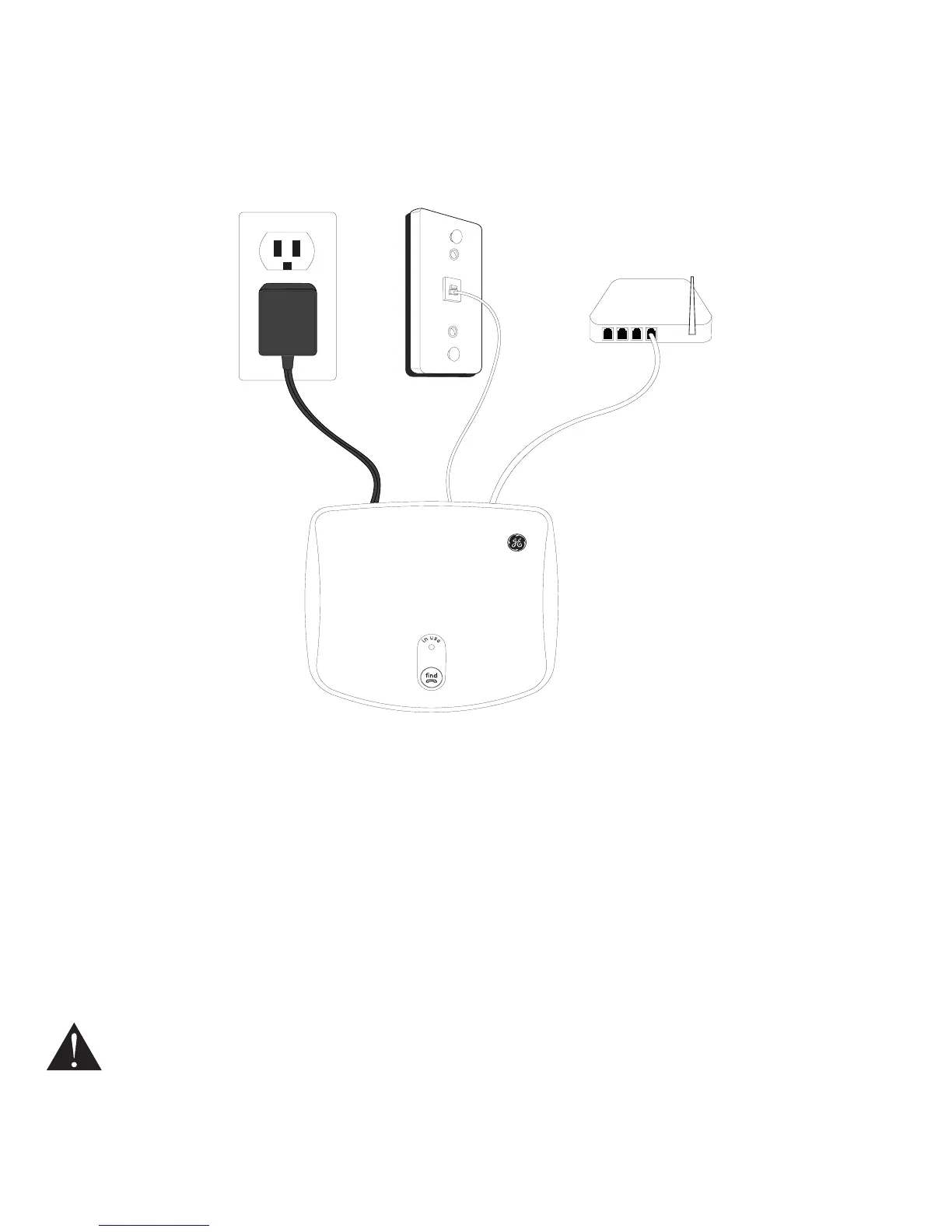
Figure 5 shows the completed installation.
Figure 5
Landline
telephone jack
Broadband
connection
AC electrical
outlet
Attach the router to the Internet connection and connect your computer and the base
regarding the use of the Internet and router. The troubleshooting section in this user
guide also provides more information on Internet connection problems.
NOTE: When installing a new router you should be aware that it might take some time - up to one hour - before
it is properly registered with your ISP.
CAUTION: Use only the power adaptor that came with this unit. Using other power adaptors may
damage the unit.


 To Next Page
 Loading...