Chapter 3: Configuration and commissioning
Kilsen KFP-CF Series Installation Manual 25
Basic default configuration
Use this menu to select common operating mode configuration presets. The default
setting is 01 (EN 54-2, passive end-of-line).
To select an operating mode configuration preset:
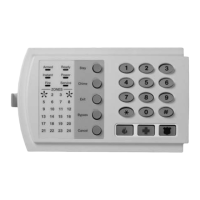
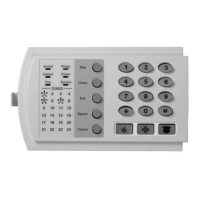
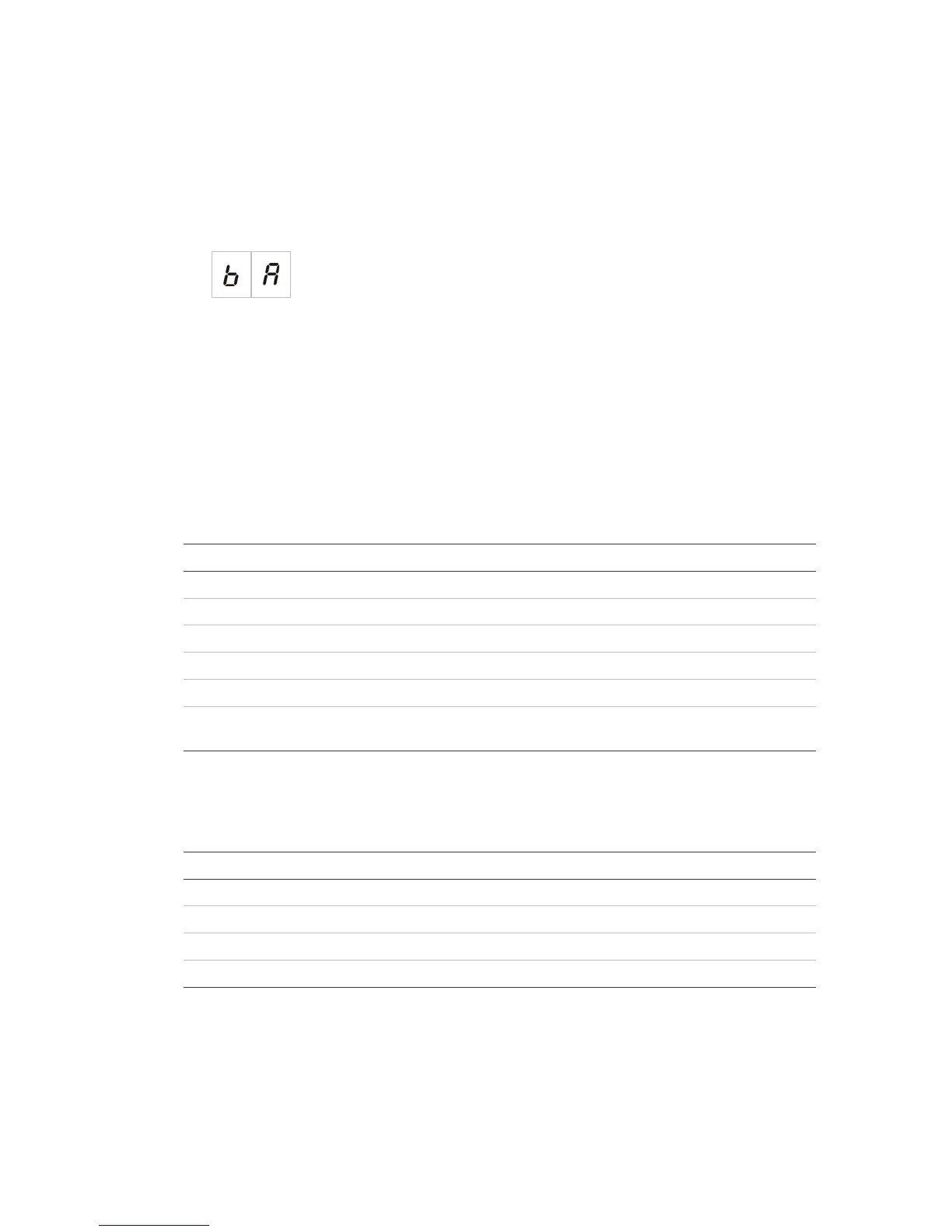
1. Set the display as shown below, and then press Enter.
2. Select a value using the value selection buttons (2 and 4).
See Table 7 below for descriptions of the presets.
3. Press Enter.
4. Save your changes.
A selected list of operating mode configuration presets is shown below. For a detailed
list of all available configuration presets and characteristics, see Appendix A
“Configuration presets” on page 59.
Table 7: Common operating mode configuration presets
Display Operating mode Zone end-of-line Zone type
01 (default) EN 54-2 Passive Mixed
05 EN 54-2 Evacuation Passive Mixed
07 EN 54-2 Scandinavia Passive Mixed
11 BS 5839-1 Active Mixed
21 NBN S21-100 Passive Automatic
31 NEN 2535 Passive Odd zones: Automatic
Even zones: Manual
The operating mode is indicated by the first digit in the display and the configuration
type by the second digit. If a custom configuration has been applied (via the
advanced configuration menu), then the second digit is a zero, as shown below.
Display Configuration Display Configuration
01 EN 54-2 preset configuration 00 EN 54-2 custom configuration
11 BS 5839-1 preset configuration 10 BS 5839-1 custom configuration
21 NBN S21-100 preset configuration 20 NBN S21-100 custom configuration
31 NEN 2535 preset configuration 30 NEN 2535 custom configuration


 To Next Page
 Loading...