DS-7108HI-S series Net DVR User Manual
61
By Type & Date
View one kind of log in the assigned time period.
Step 1: Select “By Type & Time” for “Query” option to active “Major Type”, “Minor Type”
“Start Time” and “Stop Time” items.
Step 2: Select “Operation” for major type and select one option for minor type.
Step 3: Input start time and stop time.
Step 4: Move “Active Frame” to “Search Log” button and press [ENTER] key to start
searching.
Step 5: After finish searching, DVR will list the matched log information.
Step 6: Press “Return” button back to “Utilities” menu.
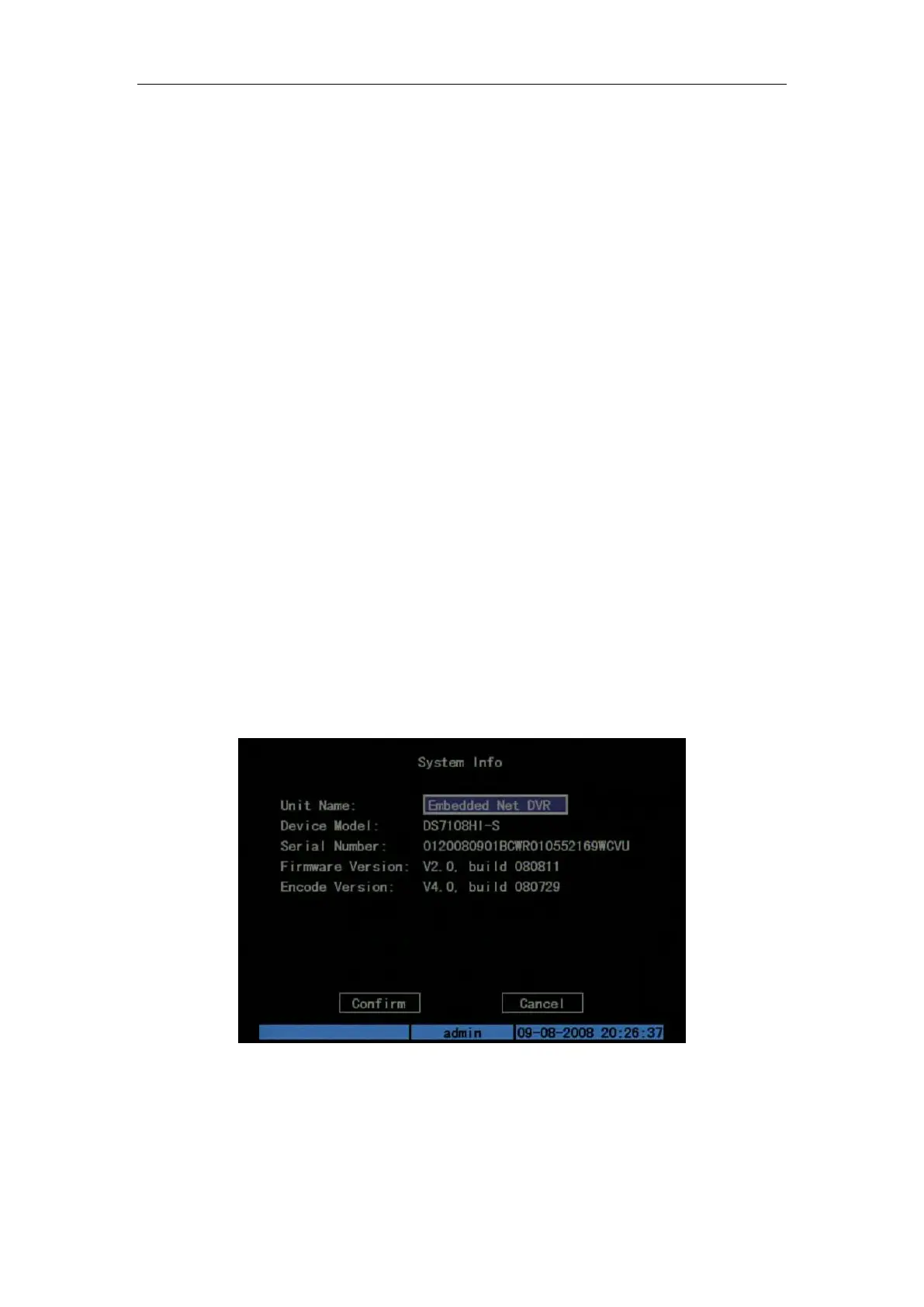
6.8 System Information
Press “System Info” icon in “Utilities” menu, you can get DVR system information: Shown
as Fig.6.7 below
Fig. 6.7 System information



 To Next Page
 Loading...