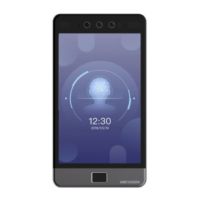
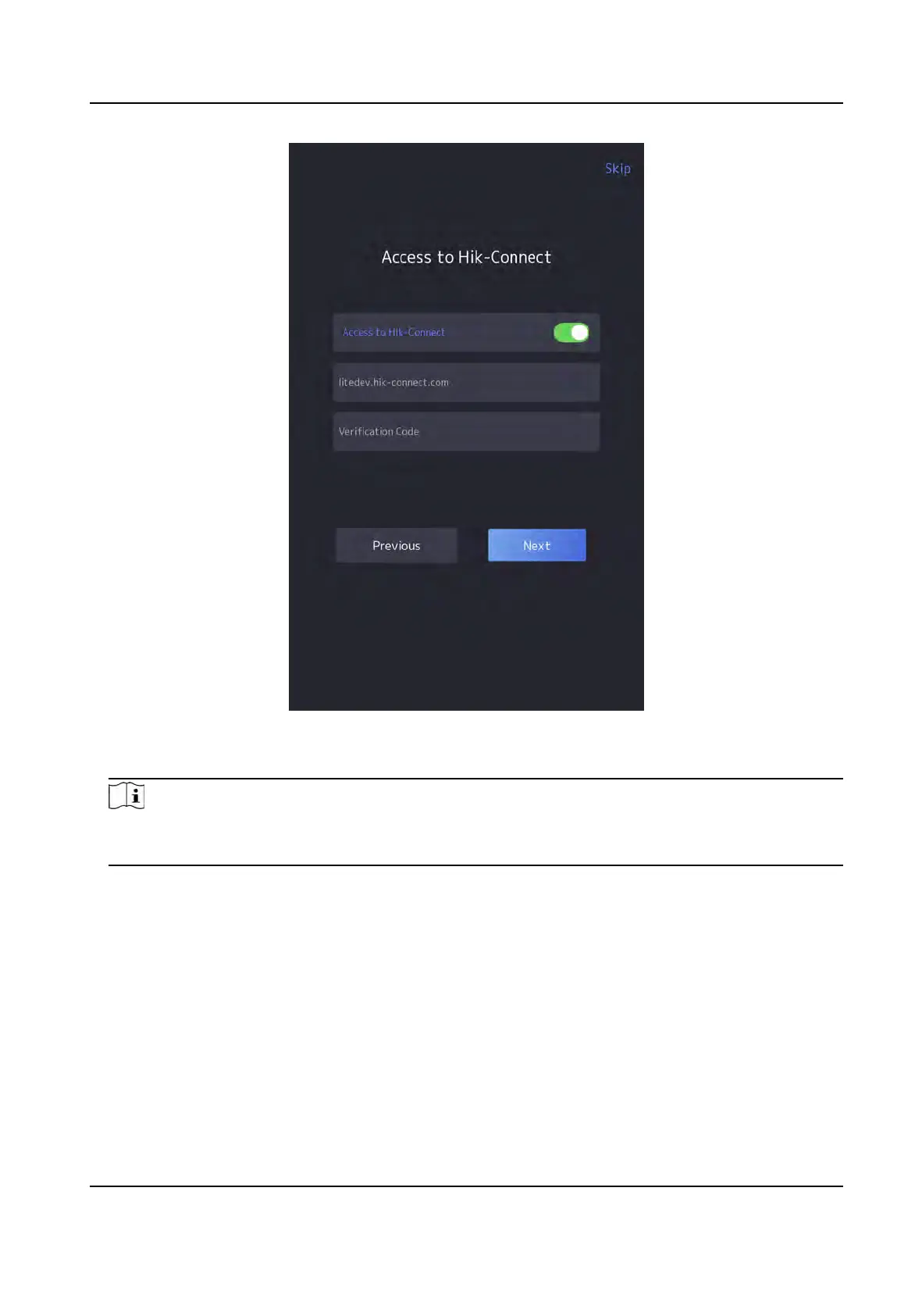
Figure 6-3 Access to Hik-Connect
2. T
ap Next.
Note
If you tap Pr
evious to return to the Wi-Fi conguraon page, you need to tap the connected Wi-
Fi or connect another Wi-Fi to enter the plaorm page again.
6.4 Privacy
Sengs
Aer acvaon, selecng applicaon mode, and selecng network, you should set the privacy
parameters, including the picture uploading and storage.
Select parameters according to your actual needs.
DS-K1T981 Series Access Control Terminal User Manual
33


 To Next Page
 Loading...