-
If y
ou haven't added an administrator for the device, enter the password.
3. Tap OK to enter the home page.
Note
The device will be locked for 30 minutes aer 5 failed password aempts.
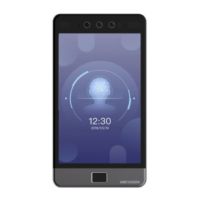
Figure 7-3 Home Page
7.2 Communicaon Sengs
You can set the wired network, the Wi-Fi parameter, the RS-485 parameters, the Wiegand
par
ameters, ISUP and access to Hik-Connect on the communicaon sengs page.
DS-K1T981 Series Access Control Terminal User Manual
39


 To Next Page
 Loading...