
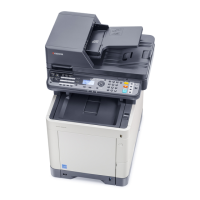
 Need help?
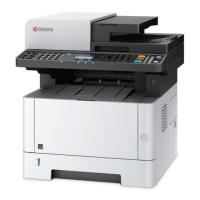
Do you have a question about the Kyocera ECOSYS M6030cdn and is the answer not in the manual?
 General
| Brand | Kyocera |
|---|---|
| Model | ECOSYS M6030cdn |
| Category | All in One Printer |
| Language | English |
Identifies machine parts, connectors, and details optional equipment attachments.
Provides instructions on loading paper into cassettes and the multi-purpose tray, including precautions.
Explains the basic procedure for printing documents from PC applications using the KX DRIVER.
Instructions on how to place originals on the platen and load them into the document processor.
Explains how to check the status of print, send, store, and scheduled jobs currently being processed or waiting.
Guides on enabling user login administration and selecting authentication methods like Local or Network.
Explains how to configure authentication security, user lockout policies, add users, and change user properties.
Explains how to add, edit, and delete accounts, and set restrictions on machine usage per account.
Offers general guidelines for problem-solving, listing symptoms, checkpoints, and corrective actions for common malfunctions.
Explains how to clear paper jams occurring in various locations within the machine, such as cassettes and the document processor.




 To Next Page