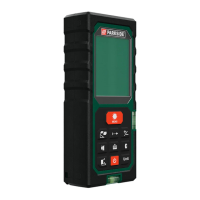
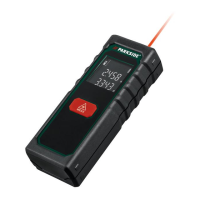
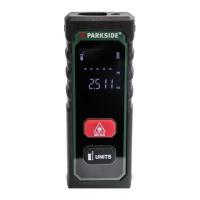
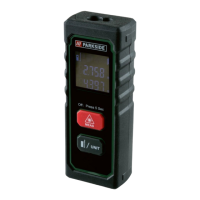
PLEM 50 C4
GB
│
IE
│
11 ■
Getting started
Check package contents
▯ 1× laser distance meter
▯ 1× belt pouch
▯ 2× 1.5V
alkaline batteries of type AAA/Micro/LR03
▯ These operating instructions
♦ Remove all components from the packaging. Remove all packaging
materials and the protective film from the display 1.
Note: Check the package for completeness and signs of visible
damage. If the delivery is incomplete or damage has occurred
as a result of defective packaging or during transport, contact the
service hotline (see the section Service).
Inserting/replacing the batteries
The device is delivered and operated with two 1.5V alkaline batter-
ies, type AAA/Micro/LR03. When the battery charge indicator i first
shows the battery symbol on the display 1, there is still enough
power for a few measurements. When the battery symbol appears,
you must replace the batteries. Measurements are no longer possible.
♦ Press the tab of the battery compartment cover z down and
remove the battery compartment cover t.
♦ Remove any depleted batteries and insert two new type AAA/
Micro/LR03 batteries into the battery compartment. Make sure that
the polarity is correct, as indicated in the battery compartment.
♦ Place the battery compartment cover t back on the battery
compartment.


 To Next Page
 Loading...