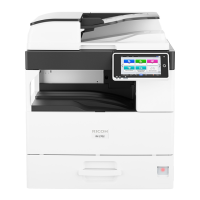
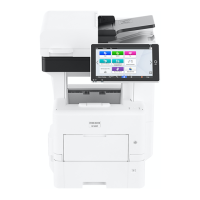
14. Internal tray
Copied/printed paper and received fax pages are delivered here.
15. Control panel
page 17 "Names and Functions of the Control Panel"
Rear and Left View
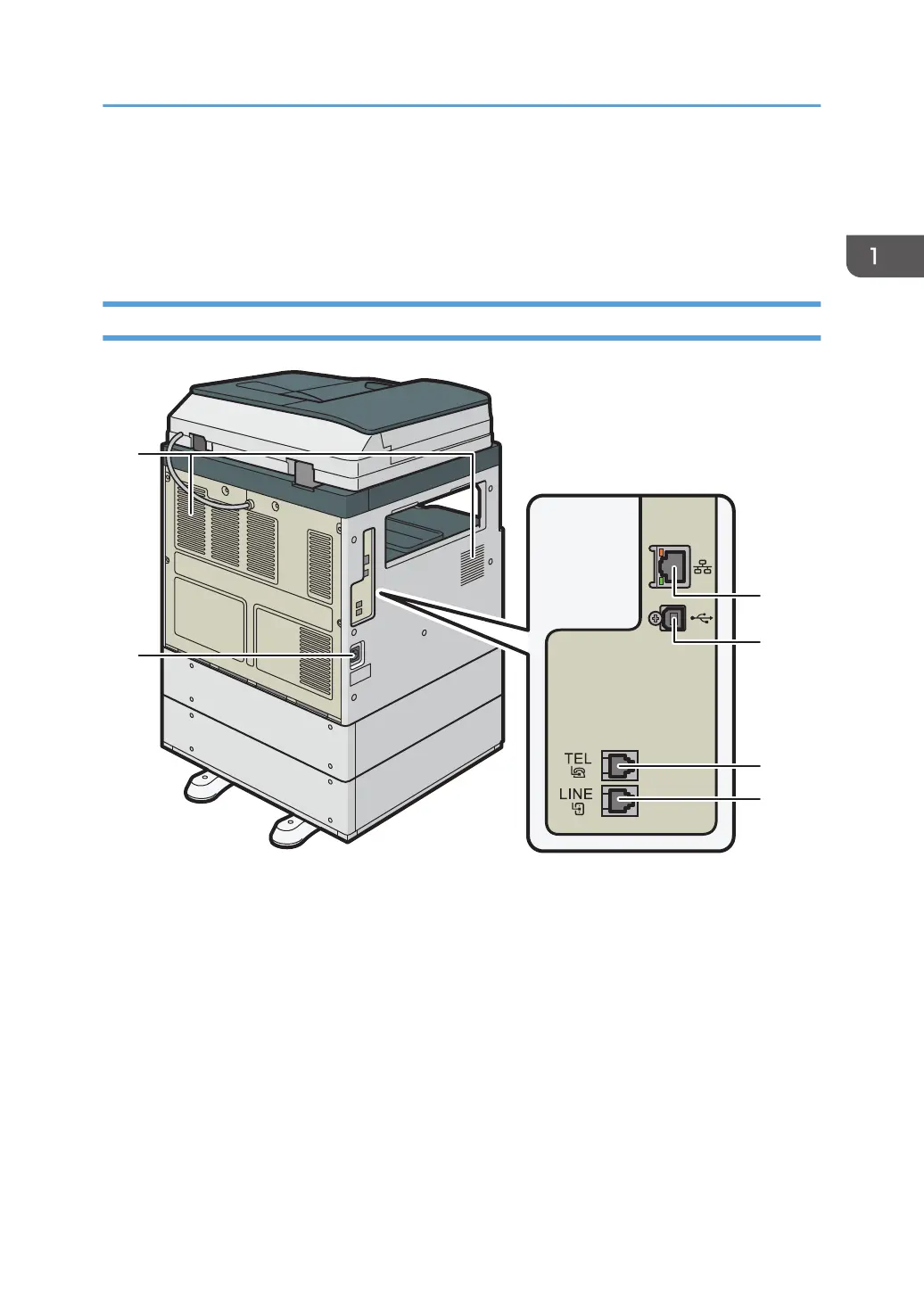
1. Vents
Holes for ventilating the inside the machine to prevent the internal components from overheat.
After large-volume printing, the ventilation fan may continue to work to lower the temperature inside the
machine.
2. Ethernet interface
Used the port to connect the machine to the network or to use the remote management service (RICOH
@Remote) over the Internet.
3. USB2.0 Interface Type B
Use the port to connect the machine and the computer with the USB cable.
4. TEL: External telephone connector
Connect an external telephone.
Guide to Names and Functions of Components
15


 To Next Page
 Loading...