When a Message Appears While Using the
Printer Function
• When confirming or changing the settings in [Settings], press [Home] ( ) after closing [Settings].
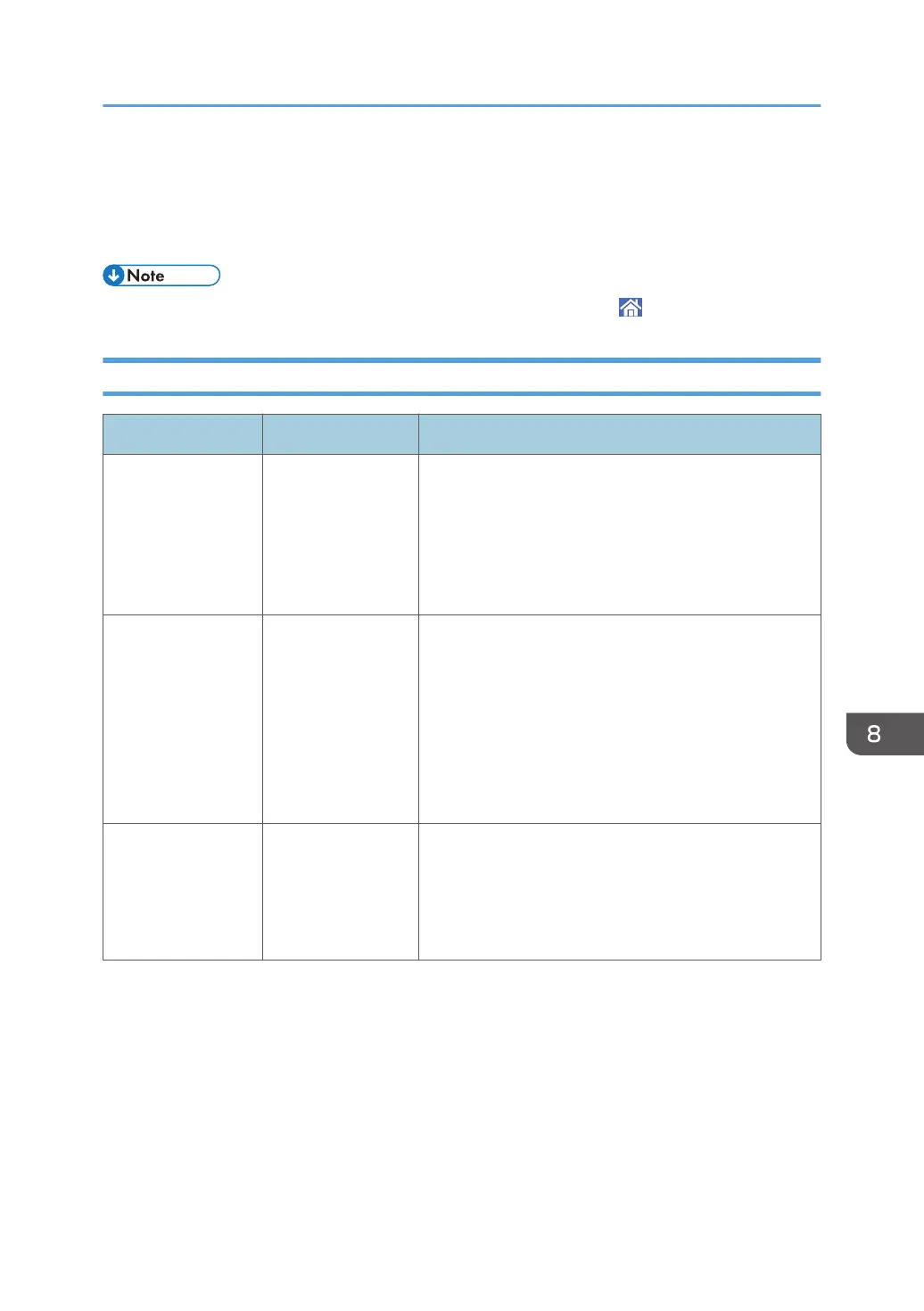
Messages Displayed without Error Codes
Message Cause Solution and reference
"Address Book is
currently in use by
another function.
Authentication has
failed."
The address book is
in use by another
function, and
authentication
query is not
possible.
Try again later.
"All the remaining
print volume has
been allocated to
another central
managed client(s).
The job has been
cancelled."
The job was
canceled because
the usage count
information could
not be obtained
from the Central
Management
machine.
All job slots are occupied by other devices. Check the
status of the client machine.
"An error occurred
while processing an
Unauthorized Copy
Prevention job. The
job was cancelled."
The settings in the
printer driver are
incorrect.
Check that the text to use for the background pattern in
the unauthorized copy prevention function does not
contain any characters other than space(s) in the printer
driver.
When a Message Appears While Using the Printer Function
187


 To Next Page
 Loading...