Accessories
149
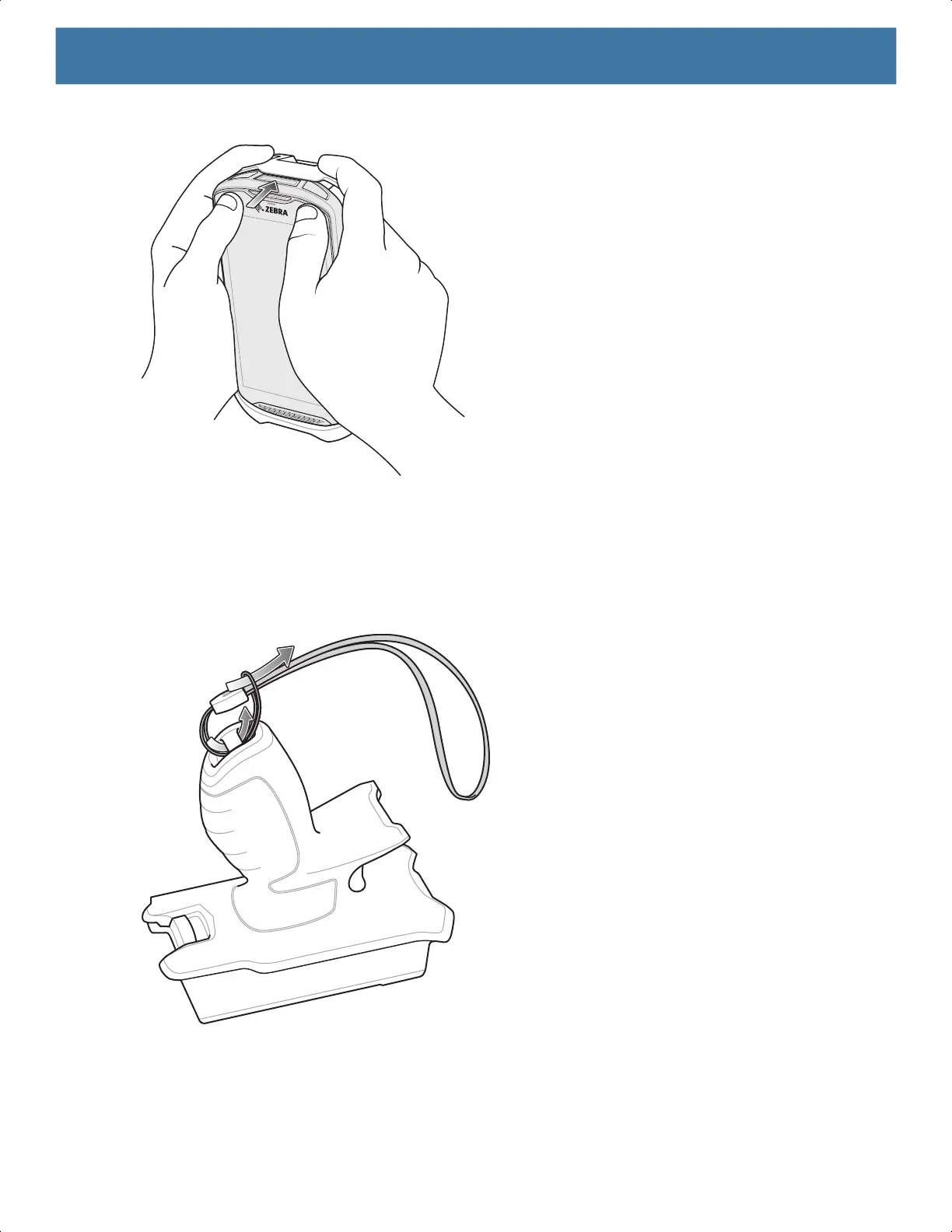
3. Push the device into the Rugged Boot.
Installing the Optional Lanyard
To install the lanyard onto the Trigger Handle:
1. Insert the loop end of the tether into the slot on the bottom of the handle.
2. Feed the lanyard through the loop.
3. Pull the lanyard until the loop tightens.
Inserting the Device into the Trigger Handle
To install the device onto the Trigger handle:
1
2
MN-003834-01ENa_tc52-android-10-ug-en.book Page 149



 To Next Page
 Loading...